The 7 Best Check Scanners
Updated by · How we research

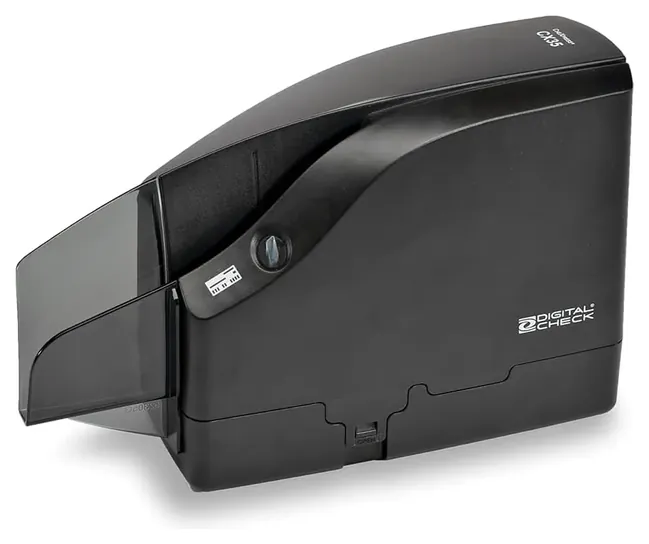
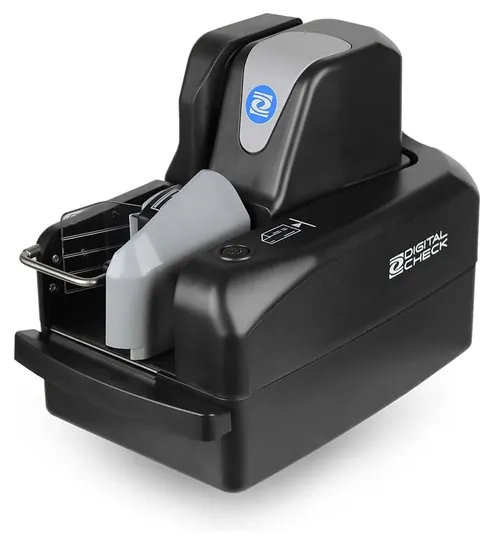
Speed, resolution, endorsing and bank support separate these seven single-feed and batch check scanners. The Digital Check CheXpress CX35 comes first. When users buy our independently chosen editorial choices, we may earn commissions to help fund the Wiki.
Before buying a check scanner, ask your bank which models its deposit service supports. The scanner images both sides of a paper check and reads its magnetic routing and account line, so a business can deposit checks through its bank's remote deposit service without visiting a branch. Small offices, landlords, churches and bookkeepers use them.


Editor's Notes
October 19, 2026, by Ezvid Wiki Admin:
Our new first pick, the Digital Check CheXpress CX35, replaces the CheXpress CX30, a single-feed scanner banks have long listed for remote deposit, and it costs less. The old list had aged badly. The Canon CR-190i II and the Epson TM-S2000 have been discontinued or replaced, and the Epson TM-S9000 is no longer sold. We dropped the MagTek MICRSafe because it only reads the magnetic line on a check. It takes no picture, so it can't make a deposit. The Burroughs Elite and the SmartSource Micro Elite went because we couldn't find maker documents to back up their specs.
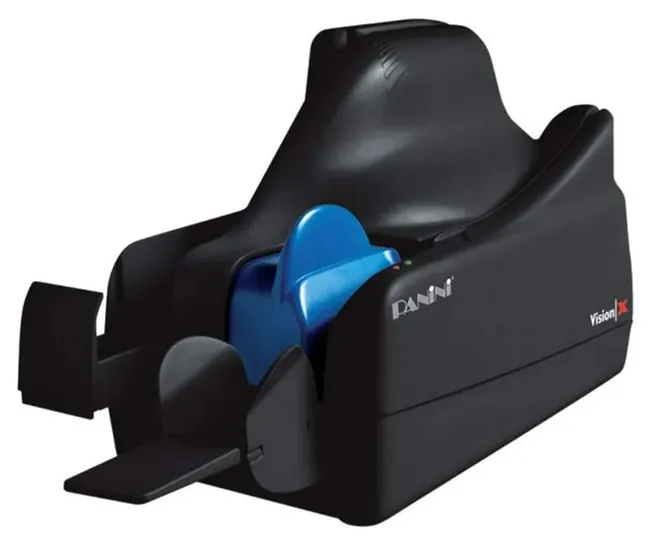
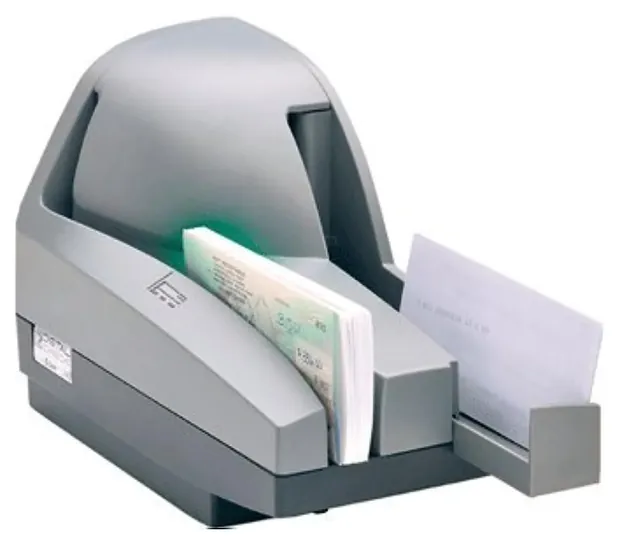
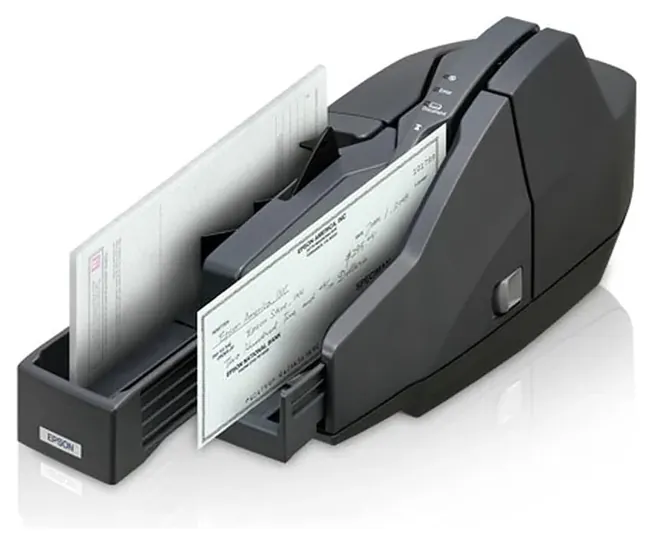
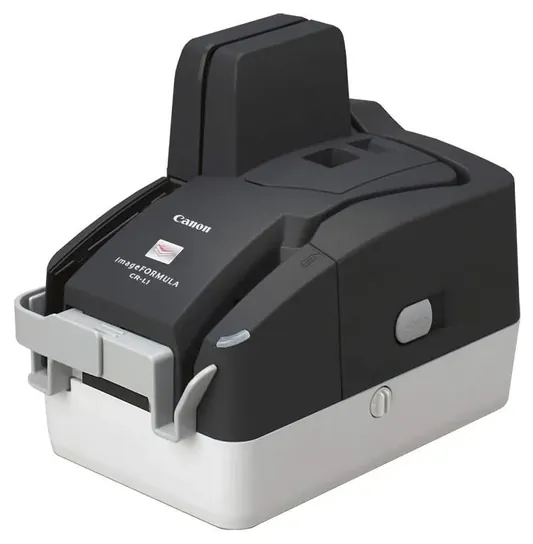
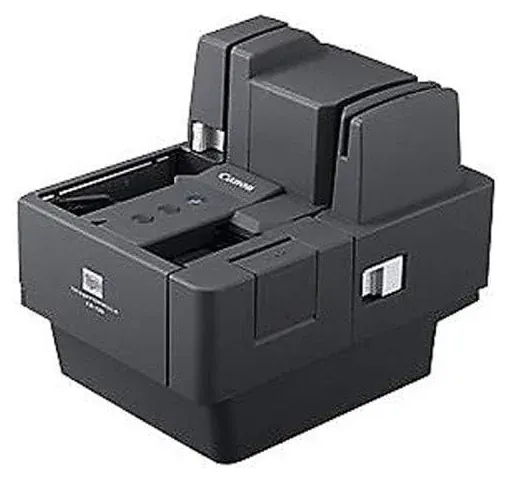
The Panini Vision X, the Digital Check TellerScan TS240 and the Canon imageFORMULA CR-120N stay. New are the CX35, the Digital Check TellerScan TS250, the Epson CaptureOne and the Canon imageFORMULA CR-L1. Two of the Canon models are no longer made and stock varies by reseller; each entry says so.
Two cautions. Ask your bank which scanners its deposit service supports before you buy anything. That list matters more than any spec here. And the evidence is thin. We found no independent tests of check scanners, and two maker sites wouldn't load for us, so we relied on maker documents, bank support guides and dealer spec sheets.
January 27, 2021:
There's been essentially zero new developments to checking technology recently, which is understandable, because except in certain professional scenarios, not a ton of people use checks anymore. For that reason, the Panini Vision X remains our top choice, while the versatility of the Epson TM-S2000 has elevated it to our top spot. For pure, high-volume check reading all day long, the Canon ImageFormula CR-120N is a highly viable solution, and for just scant check payments, the CheXpress CX30 and especially the MagTek MICRSafe offer plenty of functionality, at reasonable prices.
November 15, 2019:
Smaller companies may not need to go all-out in a check scanner; if you're not going through hundreds per day, the Panini Vision X is worth a look, as it's very popular and there are a number of upgrades and attachments available for it. Similarly low-priced is the CheXpress CX30, while modern small-business owners may also be intrigued by the multifunctional MagTek MICRSafe. And if desk space is at an absolute premium, the SmartSource Micro Elite may be all you need, although like some other inexpensive models it does not have a built-in printer. On the other hand, if you deal with a lot of paperwork besides checks, you might consider (also or in addition) a traditional document scanner or even one designed with a sheet-fed loading mechanism.
The Canon CR-190i II and Epson TM-S9000 are both heavily geared toward large organizations, and they're able to fulfill a number of tasks including ID verification that less-complex models cannot. Plus, they operate at significantly higher resolutions than most; they are, however, extremely expensive.
In the middle of the pack are the Canon ImageFormula CR-120N, Epson TM-S2000, TellerScan TS240 and SmartSource Pro Elite. These can often do many of the things that the corporate-focused machines can, they just can't do them nearly as many times per day. The Canon is an especially nice model thanks to its 600-DPI resolution, while the Epson allows for 15 printing lines which is far more than most of the rest.
Special Honors
Digital Check UV Scanners Digital Check makes versions of the CheXpress CX35 and TellerScan TS250 that add an ultraviolet image to the normal scan, which helps tellers and back offices spot altered or counterfeit checks. They're sold through dealers rather than as everyday listings, and Digital Check also publishes cleaning guides and sells cleaning cards for its scanners. digitalcheck.com
Single-Feed Or Batch: Match Your Busiest Day
For a landlord or small shop with a few dozen checks a week, a single-feed model is smaller, cheaper and quieter.
Check scanners come in two types. A single-feed scanner takes one check at a time, and the fastest run about 30 a minute. A batch scanner, also called multi-feed, holds a stack in a hopper and pulls them through on its own, usually at 50 to 120 a minute. Reynolds Business Systems suggests sizing the scanner to your busiest day rather than your average one: single-feed for up to about 200 checks, a teller-class batch scanner at 50 to 75 a minute for 200 to 1,000, and a back-office model at 100 to 150 a minute beyond that.
The math is simple. At 30 a minute, 2,000 checks take about 67 minutes of feeding by hand. At 100 a minute, they take about 20, and you can do something else while the hopper empties. For a landlord or small shop with a few dozen checks a week, a single-feed model is smaller, cheaper and quieter. Beyond speed, Teksetra weighs software compatibility, franking, support and network connection when choosing between the two types.
Hopper size matters as much as speed. The TellerScan models hold 100 checks; the Panini Vision X and Canon CR-L1 hold 50. A bigger hopper means fewer refills on a big deposit day.
Your Bank's Scanner List Comes First
A check scanner doesn't deposit anything by itself. It feeds images and the magnetic line to your bank's remote deposit capture service, usually through a browser helper or small program the bank supplies. Each bank supports a set list of scanners, and an unlisted model may not connect at all. The Remote Deposit Now hardware guide lists the CheXpress CX30, TellerScan TS240, Panini Vision X and I:Deal, Epson CaptureOne and SmartSource Professional for Windows. Your bank's list may differ, so ask before you buy.
Every model here reads MICR, the magnetic ink line at the bottom of a check. U.S. checks use the E-13B font, a standard since the 1960s; CMC-7 is common in Europe. Reading the ink magnetically means stamps or smudges over the numbers don't spoil the read, and every character the scanner misses becomes a reject someone has to key in by hand (Reynolds). A flatbed or document scanner can't read magnetic ink, which is why it won't work for remote deposit.
Resolution matters less than it looks. Makers quote 200 to 600 dpi, but your bank's image rules decide what passes. Accounting software such as QuickBooks doesn't talk to the scanner either: you deposit through the bank and then match the deposit in your books. Budget for the extras too, such as the bank's monthly or per-item fees, ink cartridges for an endorser and cleaning cards.
Endorsing, Keeping Originals And Cleaning
The Check 21 Act, in effect since 2004, made a properly made image of a check a legal stand-in for the paper (Federal Reserve Bank of Boston). That's what makes scanning at your desk possible. Check 21 doesn't set how long to keep the paper check. Your bank's deposit agreement does, and many ask you to keep originals for about 30 to 90 days, then destroy them securely; one credit union agreement is a typical example.
Never deposit the same check twice, on purpose or by accident. Under the Federal Reserve's Regulation CC (12 CFR Part 229), a bank that accepts a remote deposit can be on the hook when the same check gets paid twice, so banks watch for duplicates and their agreements forbid them. An inkjet endorser that prints a mark on each check as it's scanned makes a rescanned check easy to spot. Scanners without one, or with only electronic endorsement, leave that job to you, so stamp or file the scanned checks right away.
Most jams and misreads come from dirt. Digital Check recommends cleaning cards for the rollers of single-feed scanners and compressed air for the paper track of batch models, which keeps magnetic reads and images clean. If the bank's site says the scanner isn't found, the browser helper program is often not running; bank guides such as Central Bank's troubleshooting guide walk through that fix and through double-feed settings.
How we researched this
We compared 18 check scanners and check readers and screened eight in depth. We read makers' product pages, manuals and brochures where they loaded (two maker sites only through search previews), dealer spec sheets, and bank and deposit-service support guides for which scanners they accept and how they fail. We checked every brand for recalls with the U.S. Consumer Product Safety Commission and found none that apply. We found no independent lab tests of check scanners.
Sources (19)
- Digital Check: CheXpress CX35
- Digital Check: CheXpress CX35 user manual (Teksetra)
- Digital Check: TellerScan TS250
- Digital Check: TellerScan TS250 UV
- Digital Check: TellerScan TS240 brochure
- ManualsLib: TellerScan TS240 manual
- Digital Check: cleaning information
- Panini: Vision X
- Canon: imageFORMULA CR-L1
- Canon: imageFORMULA CR-120
- Epson: CaptureOne (TM-S1000)
- Remote Deposit Now: hardware troubleshooting guide
- Central Bank (Houston): remote deposit troubleshooting guide
- Reynolds Business Systems: check scanner buyer's guide
- Teksetra: single-feed vs multi-feed RDC scanners
- Federal Reserve Bank of Boston: Check 21
- eCFR: 12 CFR Part 229 (Regulation CC)
- Credit union remote deposit capture disclosure (merckcu.com)
- U.S. Consumer Product Safety Commission recalls
Frequently asked questions
What is a check scanner?
It's a small desktop machine that images the front and back of a paper check and reads the magnetic routing, account and check number line. Your bank's remote deposit service uses those images to deposit the check without a branch visit.
Can I use a regular scanner or my phone instead?
A flatbed or document scanner can't read the magnetic ink line, so most business deposit services won't take it. A phone works with your bank's mobile deposit app, but that's a separate service meant for a few checks at a time.
Should my business get a single-feed or multi-feed check scanner?
Size it to your busiest day. Single-feed models suit up to about 200 checks on a peak day. Above that, a multi-feed scanner with a 50- or 100-check hopper saves real time.
Will my bank accept any check scanner?
No. Each bank's deposit service supports a set list of models. Ask for the list before you buy, and check whether the bank supplies or discounts a scanner.
How long should I keep checks after scanning them?
Follow your bank's deposit agreement. Many ask you to keep the paper check for about 30 to 90 days, then shred it. Mark or file scanned checks so none gets deposited twice.
Does QuickBooks work with a check scanner?
Not directly. The scanner sends checks to your bank's deposit service, and you then record or match the deposit in QuickBooks or other accounting software.