The 10 Best Inkjet Printers
Updated by · How we research

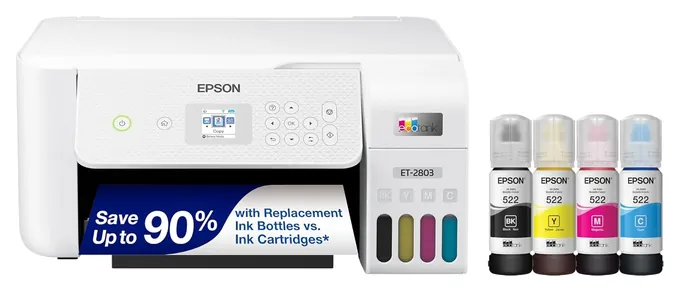
Ten tank and cartridge inkjets compared on ink cost, two-sided printing, feeders and photos. The Epson EcoTank ET-2803 wins for cheap home printing. When users buy our independently chosen editorial recommendations, we may earn commissions to help fund the Wiki.
A cheap inkjet is often the costly one, because its cartridges can soon cost more than the printer did. Refillable tank models flip that math: more up front, then pennies or less per page. These picks suit homes that print letters, homework and casual photos. If you print piles of black text every day, a laser printer may cost less to run.


Editor's Notes
October 23, 2026, by Ezvid Wiki Admin:
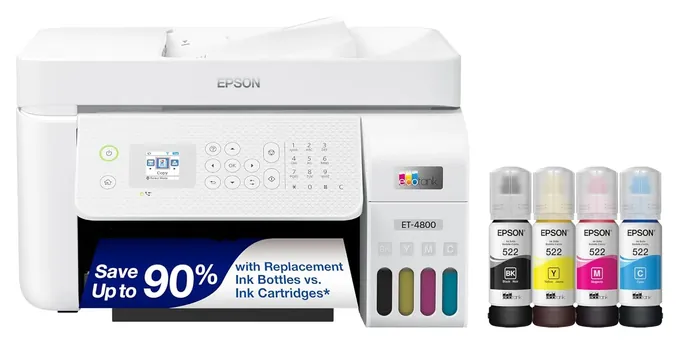
The Epson EcoTank ET-2803 takes the top spot because a page of text from its bottled ink costs well under a penny, and it doesn't cost much more to buy than a decent cartridge machine. Refillable tank printers now fill most of the list.
Nearly everything here is new. The Epson EcoTank ET-4760, Epson XP-7100 Expression Premium, Brother MFC-J775DW Compact, HP OfficeJet Pro 9025, Canon TS8220, HP OfficeJet Pro 8025, HP Envy Photo 5055 and Canon Pixma TR4520 were 2018 and 2019 designs that have since been replaced, and the HP Tango X is gone. The Canon Pixma G6020 stays because Canon still sells it.
The evidence this time was cost per page: lab figures from Consumer Reports and RTINGS, the fine print behind each maker's "years of ink" claim (Epson's assumes about 125 pages a month), and HP's firmware updates that lock out some third-party cartridges. If photos are your main job, see the six-ink Epson EcoTank Photo ET-8550 and Canon Pixma G620 below.
January 03, 2021:
Despite how digital the world has become, printing is still a common activity for most homes and offices, and the options on this list will make short work of those jobs. When it comes to high-volume applications where a lot of printing takes place every month, your best bet is a model that uses refillable reservoirs, rather than cartridges, as these will be the most economical. The Epson EcoTank ET-4760 and Canon Pixma G6020 both fit this profile. While all of the machines on this list will work well enough for photographs, the Epson XP-7100 Expression Premium and Canon TS8220 Wireless All-In-One stand out at the top of the class in this regard, as the former utilizes five colors of ink, and the latter six. This will result in images with a higher tonal range than what you get from the standard 4-color systems in most other printers. Many of the options on this list are Alexa compatible, however the sleek HP Tango X is definitely one of the best choices for mobile device and smart home integration.
June 19, 2019:
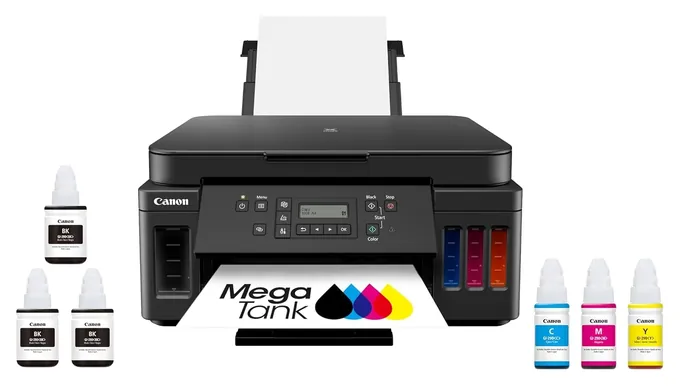
With all the yearly turnover that this category offers, only the HP 5255 and the Brother Compact retained spots in our ranking. Every other option was either upgraded to a slightly nicer model or phased out in favor of a completely new design. Of course, with all those new flavors in tow, the 5255 slipped from the seventh spot all the way to number 10. Epson still seems unwilling to upgrade models in their Eco Tank lineup, but Canon has come in to fill the void with a very capable photo printer complete with four ink reservoirs, three for color and one for black. Epson is responsible for our number one offering, however, mainly due to its excellent display screen and built-in editing software that lets users manipulate their photos on the printer before printing them out.
Special Honors
Epson EcoTank Photo ET-8550 A six-ink tank printer built for photos, with gray and photo black inks for smoother tones and prints up to 13 by 19 inches. It costs far more than a home tank printer, so it suits people who print photos often. epson.com
Canon Pixma G620 Canon's six-ink photo tank printer. Canon rates a set of bottles at up to about 3,800 snapshot-size photos, and reviewers praise its photo quality. It has a single rear paper slot and no automatic two-sided printing, so it is a poor choice for documents. usa.canon.com
Tank Or Cartridge: Where The Money Goes
Tank printers take bottles, so this lock-in mostly doesn't apply.
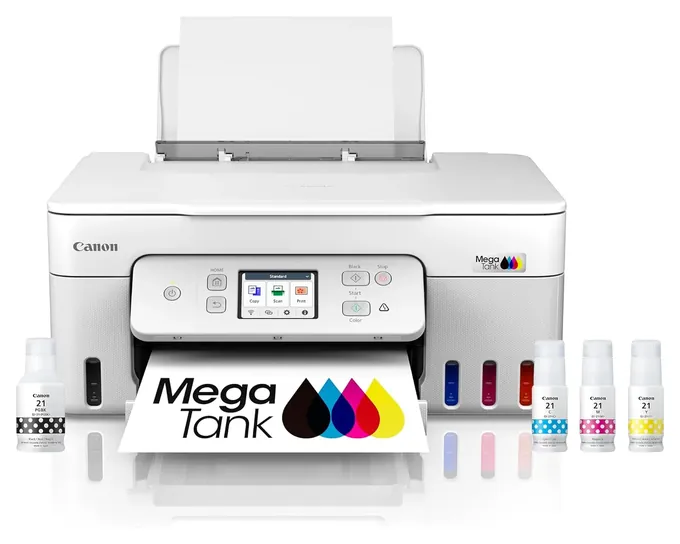
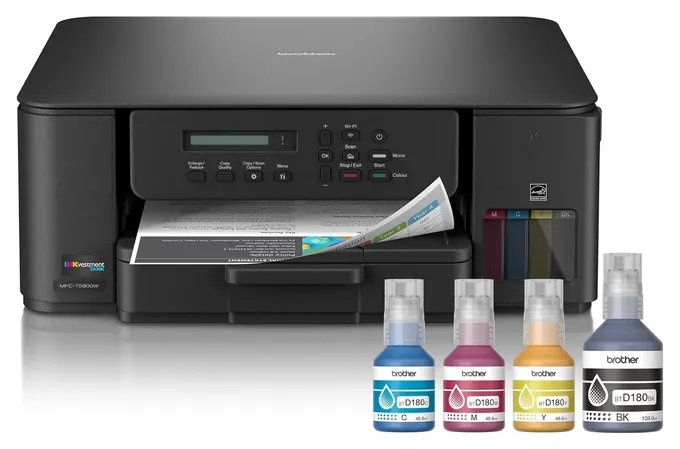
A cartridge printer is sold near cost and earns its keep on ink. A tank printer turns that around: you pay more at the register, then refill from bottles that last thousands of pages. Consumer Reports puts the Epson EcoTank ET-2800 at about 0.3 cents for a text page and 2.2 cents for a color graphics page, and the Canon Pixma G3290 at about 0.4 and 1.6 cents. A UK test by Which? found the same pattern: tank printers can cut ink spending roughly tenfold.
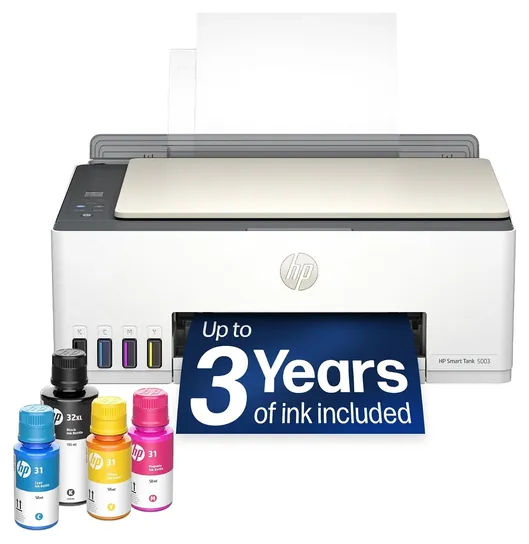
The "two years" or "three years of ink" on the box is a maker estimate based on light use, usually around 125 pages a month. Print more and the bottles run out sooner. If you print only a few pages a month, the math tilts back toward a cheap cartridge model, since you may never use up the tank ink before the printer itself ages out.
Watch the ink terms on HP machines. HP's firmware can refuse cartridges with third-party chips (XDA Developers), and cartridges sent under its Instant Ink subscription stop working if you cancel. Tank printers take bottles, so this lock-in mostly doesn't apply.
The Features Worth Paying For
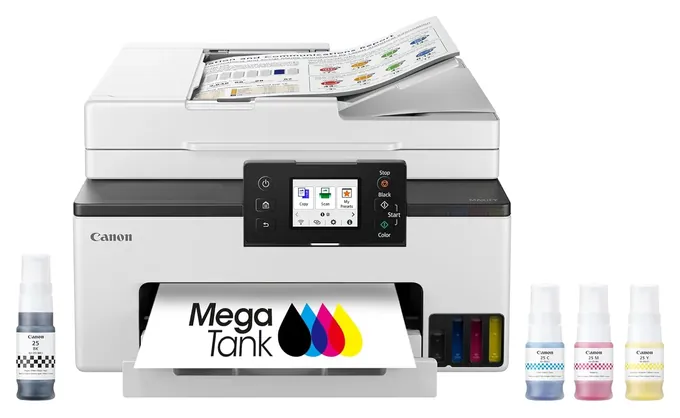
Automatic two-sided printing saves paper and fiddling; without it you print odd pages, flip the stack and print the even ones. Some low-cost tank models, including the Epson EcoTank ET-2803 and HP Smart Tank 5003, lack it. A document feeder matters only if you copy or scan multi-page documents. Most home feeders scan one side at a time; RTINGS notes the Canon Maxify GX2020 can't scan both sides in one pass.
Black pigment ink, used by the GX2020 and HP's OfficeJet Pro line, gives crisper text that resists smudges and water. Dye inks give brighter color on photo paper. An Ethernet port helps in offices with flaky Wi-Fi, and a separate photo tray saves swapping paper. For photos, four-ink tank printers do casual snapshots; serious prints call for six-ink models. RTINGS rated the Epson EcoTank Pro ET-5850 good for casual photos but only middling on color accuracy, a common story for office tank printers.
Keeping An Inkjet Healthy
Inkjets dry out. Liquid ink sitting in the printhead's tiny nozzles can clog if the printer goes unused for weeks; RTINGS lists it as a drawback of the Epson EcoTank ET-2800, whose printhead isn't user-replaceable. Print a small color page every week or so, and turn the printer off with its own power button rather than at the wall, so it can cap the printhead.
Use the maker's bottles and fill each tank only to its line. Epson warns that damage from non-genuine ink may not be covered by its warranty. Keep bottles upright, capped and away from children and pets: ink stains clothes and carpets and can irritate eyes. We found no current recalls for Epson, Canon, HP or Brother inkjet printers in the U.S. Consumer Product Safety Commission database.
How we researched this
We compared about 20 current inkjet printers from Epson, Canon, HP and Brother, read the makers' specs and the fine print behind their ink-yield claims for the 10 picks, gathered lab results from Consumer Reports, RTINGS, Tom's Guide and Digital Trends where they exist, looked at owner feedback for clogging and setup problems, and checked each brand for recalls with the U.S. Consumer Product Safety Commission.
Sources (13)
- Consumer Reports: Epson EcoTank ET-2800
- Consumer Reports: Canon Pixma G3290
- Consumer Reports: HP Smart Tank 5000
- RTINGS: Epson EcoTank ET-2800 review
- RTINGS: Canon Maxify GX2020 review
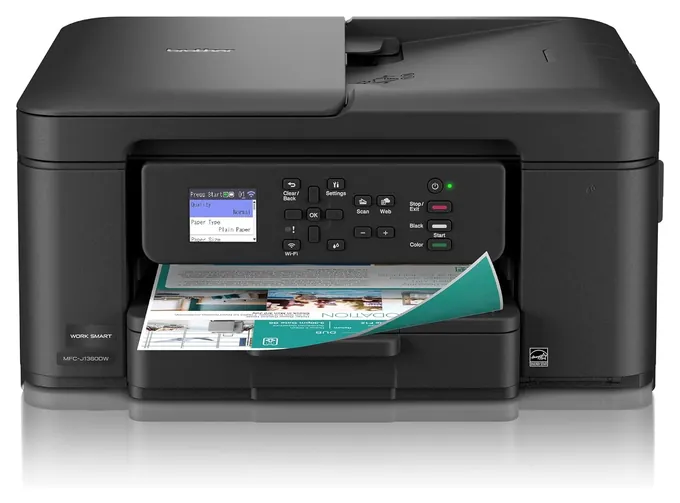
- RTINGS: Brother MFC-J1360DW review
- RTINGS: HP Smart Tank 5101 review
- RTINGS: Epson EcoTank Pro ET-5850 review
- Tom's Guide: Canon Pixma G3290 review
- Digital Trends: Epson EcoTank ET-2800 review
- Which?: tank printer running costs
- XDA Developers: HP blocks third-party ink
- U.S. Consumer Product Safety Commission recalls
Frequently asked questions
Is a tank printer worth the higher price?
Usually, if you print more than a few pages a month. Tank printers cost about a cent or less per text page, and the bundled ink alone lasts years of light use. If you print only a handful of pages a year, a cheap cartridge model can cost less overall.
How long does the ink in the box really last?
The maker's "two years" or "three years" assumes light use, usually about 125 pages a month. Heavy color printing uses it up much faster.
Does inkjet ink dry out?
It can. A printer left unused for weeks may clog its printhead. Printing a small color page each week and switching off with the power button helps prevent it.
Which inkjet is best for photos?
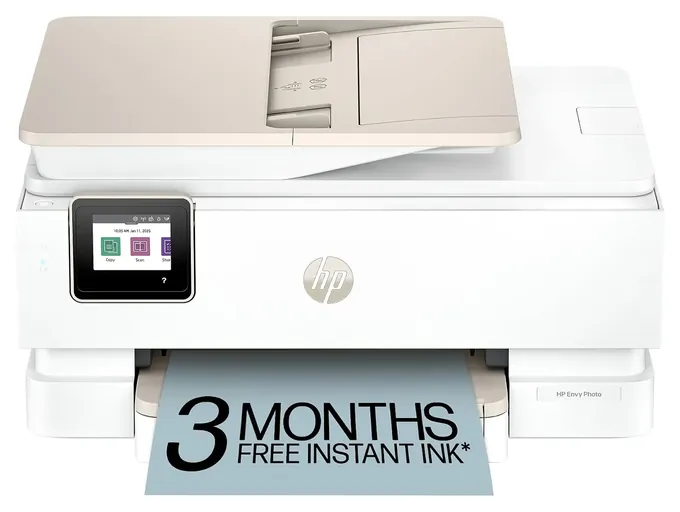
For casual snapshots, a model with a separate photo tray, such as the HP Envy Photo 7975, is convenient. For serious prints, six-ink photo printers like the Epson EcoTank Photo ET-8550 or Canon Pixma G620 do better than four-ink models.
Can I use third-party ink?
Tank printers take any bottle that fits, but makers may not cover damage from non-genuine ink. HP's firmware can block third-party cartridges in its cartridge printers.
Should I buy an inkjet or a laser printer?
Inkjets handle color and photos well and cost little to run if you choose a tank model. If you print mostly black text in volume, a monochrome laser is usually cheaper and doesn't clog.