The 10 Best BD-R Discs
Updated by · How we research

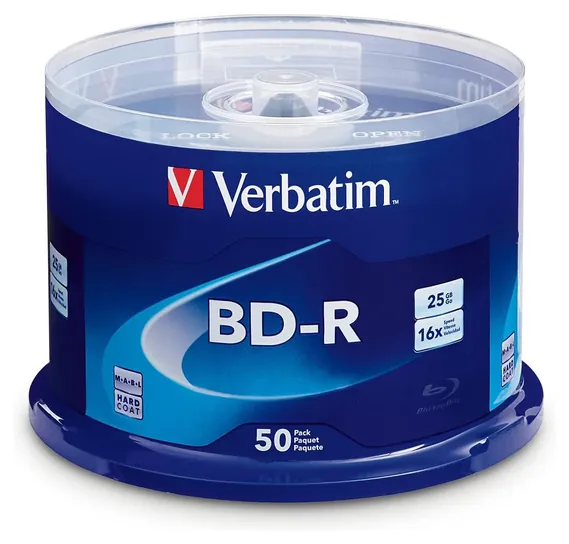
A 2011 French study found inorganic recording layers more durable than organic dye. Of 10 BD-R discs, 25 GB to 100 GB and M-Disc, the Verbatim 98397 leads. When users buy our independently chosen editorial recommendations, we may earn commissions to help fund the Wiki.
Whatever blank Blu-ray you buy, burn at a moderate speed, verify the disc and keep two copies of anything you can't replace, because the lifespans printed on boxes are makers' claims. BD-R discs are write-once recordable Blu-rays holding 25 to 100 GB each. People use them to archive photos and video, keep offline backups and burn home movies that play on a Blu-ray player.


Editor's Notes
October 17, 2026, by Ezvid Wiki Admin:
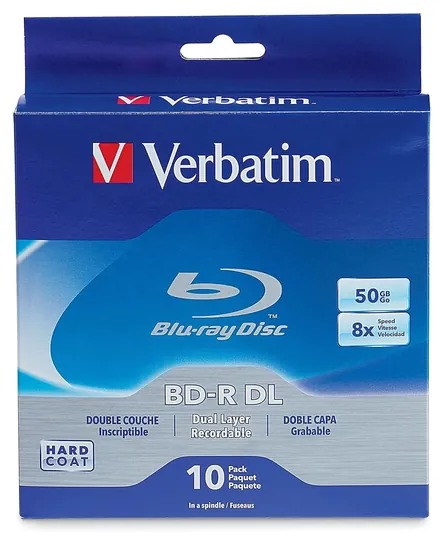
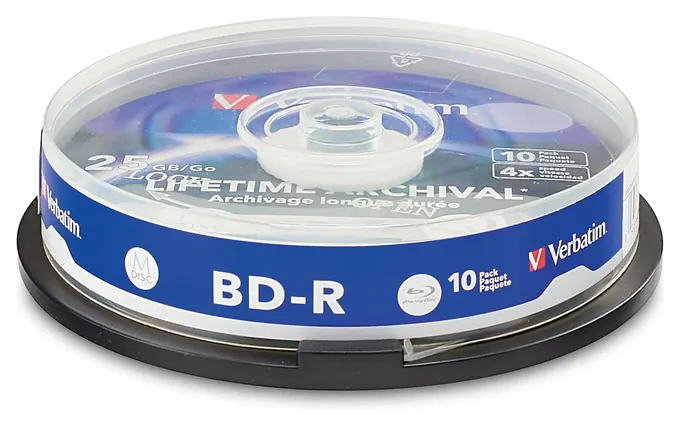
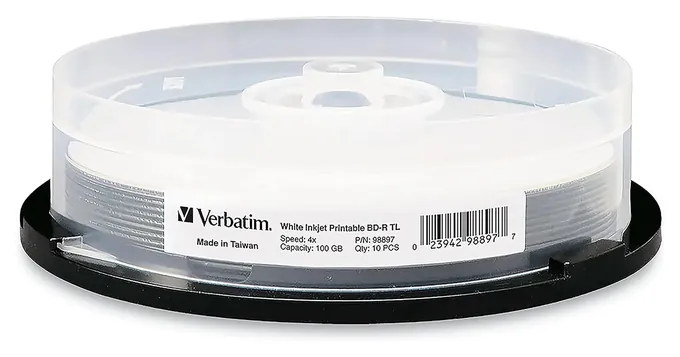
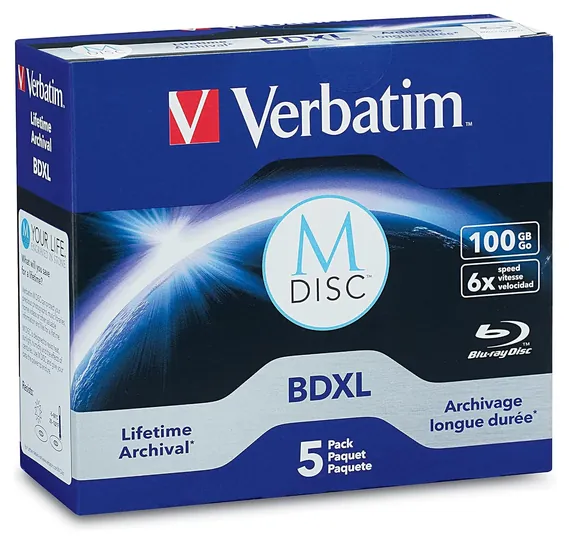
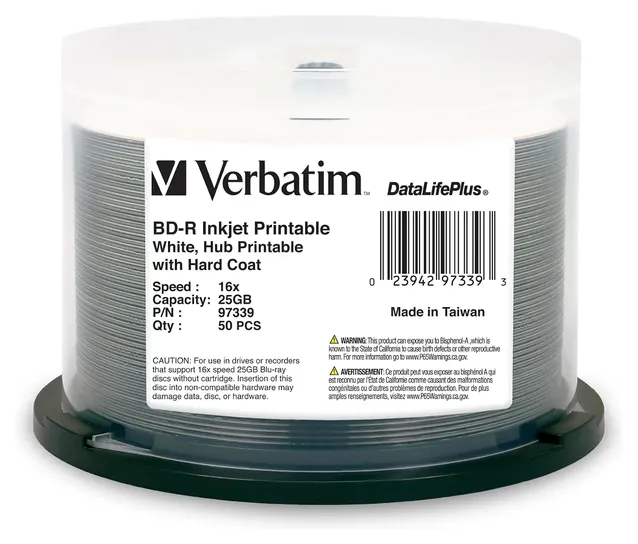
Millenniata, which made the original M-Disc, went bankrupt in 2016, so its disc is gone from this list. Verbatim sells M-Disc media now, so the Verbatim M-Disc 43825 and the Verbatim M-Disc BDXL take its place. The Verbatim Thermal M-Disc pack and the Verbatim BD-RE rewritable disc are no longer available. We also pointed the Verbatim DL 97335 and the Verbatim DataLifePlus 97339 at the current versions of those discs.
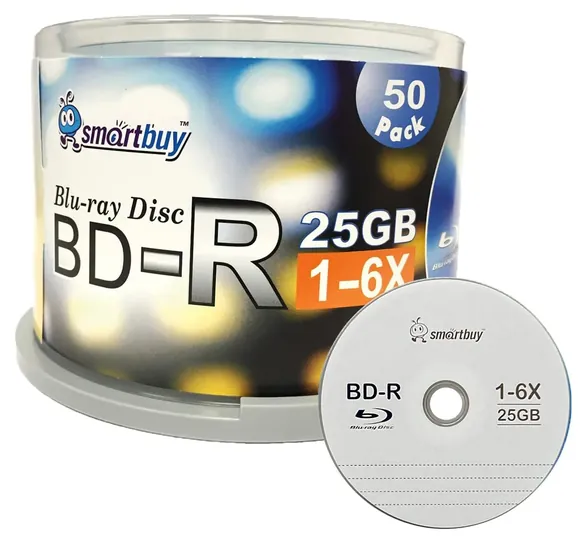
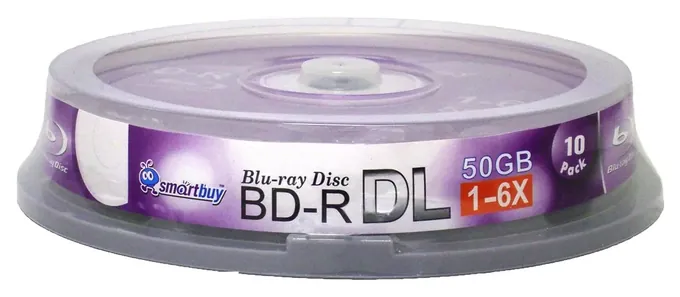
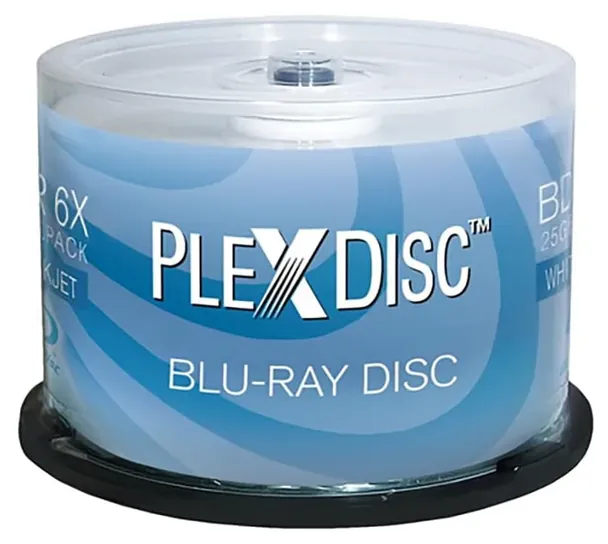
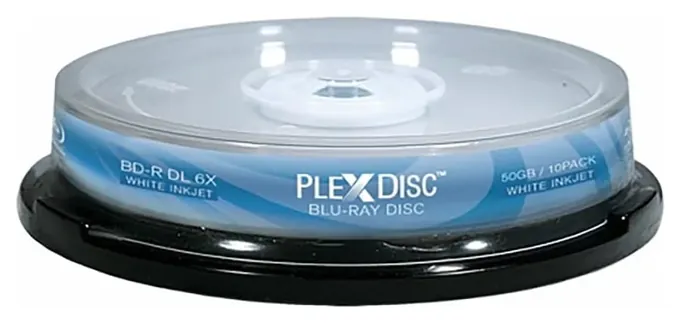
The Verbatim 98397 stays on top. It's a well-documented single-layer disc with a lifetime warranty, and it's widely sold. The Smartbuy Logo Top moves up for anyone who burns a lot of discs and wants to spend little, and the PlexDisc 645-212 is new for people who print on 50 GB discs.
One honest word on evidence. We found no recent independent lab tests of blank Blu-ray discs, and the lifespans printed on boxes are makers' claims. Whatever you buy, burn at a moderate speed, verify the disc, and keep two copies of anything you can't replace.
February 03, 2021:
Despite it advertising a decent write speed of 72 megabytes per second (or 16x), I’ve unfortunately had to remove the Sony 50BNR25AP6 primarily for quality-related reasons, as they seem to have lost a certain level of quality control. This isn’t surprising, and may be linked to the fact that Blu Ray, which was predicted to become the next DVD in terms of being an optical medium for the film and TV consumer market, has become more of a niche market itself, as people are favoring streaming services as a quicker and more convenient alternative. This is on the back of the fact that a company like Samsung recently announced stopping production and distribution of new Blu Ray players in the US.
However, this may also be an isolated case, as recordable Blu Ray discs still seem somewhat alive as a form of storage media, and many of the other options here – especially those from Verbatim – are still fine. Technically, BD-R (recordable Blu-Ray) also encompasses BD-RE (rewritable or re-recordable Blu-Ray), and while BD-R discs are cheap enough already, some people might, for whatever reason, find a distinct purpose in using BD-RE discs, which is why I’ve added the Verbatim BD-RE. I’ve also added the Verbatim BD-R XL as a triple-layer, 100GB option. Also, for reference, 1x is 4.5 megabytes per second, which is the minimum speed a Blu Ray disc can be written to, although they’re much faster nowadays.
April 12, 2019:
Not all Blu-Ray discs are created equally. First of all, different media manufacturers use slightly different encoding techniques which may or may not be suitable for all purposes. For example, Smart Buy discs are decently priced and great for file archival, but generally speaking, their 50-gigabyte options don't do well with single, large video files stretched across the entire capacity. Another big difference is the number of layers. Most currently available discs use 25-gigabyte layers, though that standard was increased to about 33 gigabytes, and uses the relatively new BDXL encoding protocol. 25 gigabytes means a single layer BDR disc, and 50 gigabytes means a dual, but 100 gigabytes actually means a triple-layer BDXL-format disc. So if you'll be using a 100-gigabyte disc, ensure that your equipment is capable of using the BDXL standard. For what it's worth, most new devices are.
If you're going for reliability and long-term storage, it's hard to argue with anything from Verbatim, as long as you can afford it. They're by far the most well-known optical media manufacturer, and they have a slew of different options available for different purposes, offered in a range of package sizes with various printable and non-printable labels. And if you're looking for performance, it's hard to top Sony's products, as they go to great lengths to ensure the fastest possible write speeds.
Special Honors
ImgBurn ImgBurn is a free Windows program for burning and verifying CDs, DVDs and Blu-ray discs, including BD-R and BDXL. It can read each burned disc back to confirm the data, and it shows a blank disc's media ID, which tells you which factory really made it. It hasn't been updated in years, so download it only from the official site. imgburn.com
BD-R, BD-RE, DL And XL: Picking The Right Disc
For anything you want to keep unchanged, write-once BD-R is the better choice, since nothing can overwrite it by accident.
BD-R means Blu-ray Disc Recordable, and you can write to each disc only once. A single-layer disc holds 25 GB and a dual-layer (DL) disc holds 50 GB, and both are part of the original Blu-ray format, so nearly every Blu-ray burner writes them and nearly every player reads them (Wikipedia). BDXL, sometimes labeled BD-R XL, adds a third layer for 100 GB or a fourth for 128 GB. It's a later extension, so it needs a burner that lists BDXL support, and many players and older drives can't read it. The XL in the name means 100 GB or more, not the 50 GB dual-layer disc, a common mix-up.
BD-RE is the rewritable version. You can erase and reuse a disc about 1,000 times, it has to be formatted before first use, and blank BD-RE costs more per gigabyte (Online Tech Tips). Rewritable discs suit moving files between machines or a rolling backup. For anything you want to keep unchanged, write-once BD-R is the better choice, since nothing can overwrite it by accident.
Match the disc to the job. A 25 GB disc holds a few thousand phone photos or a couple of hours of high-definition video. Choose dual layer when a single file or project has to stay on one disc, and BDXL only if you already own a burner that supports it. Burners rarely run at a disc's full rated speed, so a 16x rating matters less than you'd think.
How Long Do Blu-ray Discs Last?
No one can promise a figure. Makers quote anything from decades to several hundred years, based on accelerated aging tests they run themselves, and we found no recent independent lab test of current discs. What we do know comes down to the recording layer. Ordinary BD-R comes in two kinds. The original High-to-Low (HTL) discs use an inorganic recording layer, while Low-to-High (LTH) discs use a cheaper organic dye. A 2011 French government study found LTH discs weaker for archiving, and early Blu-ray hardware needed firmware updates to read them (Wikipedia). Budget brands rarely say which kind they sell.
M-Disc is the best-known long-life option. It etches data into an inorganic layer, works in standard Blu-ray burners, and was developed by Millenniata, which went bankrupt in 2016; Verbatim now sells it (Wikipedia). The U.S. National Institute of Standards and Technology lists M-Disc among formats suitable for 100-year storage in a 2022 report, while a 2012 French lab test found M-Disc DVDs did no better than regular ones under heat and humidity. Verbatim changed its Blu-ray M-Disc formula in 2022, which some buyers criticized, though Verbatim says longevity is unchanged.
However good the disc, store it upright in a case, away from heat, sunlight and humidity, and handle it by the edges. Keep two copies of anything irreplaceable, ideally in two places, and check a sample disc every few years.
Burning, Printing And Checking Your Discs
Burn at a moderate speed, around 4x to 6x, rather than the fastest your drive allows, and turn on the verify option in your burning software, which reads the disc back and compares it with the source. Verifying roughly doubles the time a burn takes, but it's the only way to know a disc is good (Online Tech Tips, Wikipedia). If you're making a video disc for a living-room player, finalize it so the player can read it.
The name on the package isn't always the factory. Many brands buy discs from a handful of plants, and each blank disc carries a media ID code that reveals the real maker. Burning tools can read it, and Blu-ray enthusiasts use it to steer clear of unknown sources and suspiciously cheap clearance lots (Tom's Hardware forum).
White printable discs need a printer that takes discs: an inkjet with a disc tray, or a dedicated disc printer. Thermal disc printers need thermal-coated discs, and inkjet discs won't work in them. Skip stick-on paper labels, which can throw a disc off balance at high speed.
Burning your own photos, files and home video is legal. Copying commercial movies or games usually means getting around copy protection, which U.S. law restricts. We checked every brand on this list in the U.S. Consumer Product Safety Commission's database and found no recalls (CPSC).
How we researched this
We compared 15 blank Blu-ray products, including every disc from the previous version of this page, and screened 13 current ones in depth. We read the makers' specifications and packaging, the Blu-ray and M-Disc format details, government and lab findings on disc longevity as summarized in public references, an enthusiast forum discussion, and patterns in owner feedback, and we checked every brand for recalls with the U.S. Consumer Product Safety Commission. We found no recent independent lab tests of blank BD-R discs.
Frequently asked questions
What does BD-R mean?
BD-R stands for Blu-ray Disc Recordable. It's a blank Blu-ray you can write once. Single-layer discs hold 25 GB, dual-layer discs 50 GB, and BDXL discs 100 or 128 GB.
What's the difference between BD-R and BD-RE?
BD-R is write-once, so data can't be changed or erased. BD-RE is rewritable about 1,000 times and must be formatted first. Use BD-R for archives and BD-RE for files you update or move often.
Is BD-R DL the same as BD-R XL?
No. DL is a 50 GB dual-layer disc that nearly every Blu-ray burner and player handles. XL, or BDXL, holds 100 or 128 GB and needs a burner and player that list BDXL support.
How long do BD-R discs last?
Makers claim decades or more, but those figures come from their own aging tests. Discs with an inorganic recording layer, including M-Disc, are the most credible for long storage. Store them cool, dry and dark, and keep a second copy.
Do I need a special burner for M-Disc?
No. Single-layer M-Disc Blu-ray discs work in a standard Blu-ray burner. The 100 GB M-Disc BDXL discs need a burner with BDXL support.
Will a burned BD-R play in my Blu-ray player?
Usually, if it's a 25 GB or 50 GB disc and you finalize it after burning. Many players can't read 100 GB BDXL discs, so check the player's manual first.