The 10 Best Bluetooth Mice
Updated by · How we research

Ten Bluetooth mice for Macs, iPads and Windows laptops, compared on comfort, battery and multi-device switching. The Logitech MX Master 3S leads for desk work. When users buy our independently chosen editorial picks, we may earn commissions to help fund the Wiki.
A Bluetooth mouse talks straight to the radio already inside a laptop, tablet or Mac, so it needs no USB receiver and leaves every port free. The trade is a short pairing step and, on some computers, a brief lag after waking from sleep. These picks suit travelers, Mac and iPad owners, and anyone short on ports.


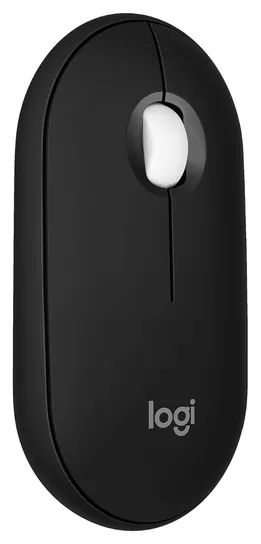
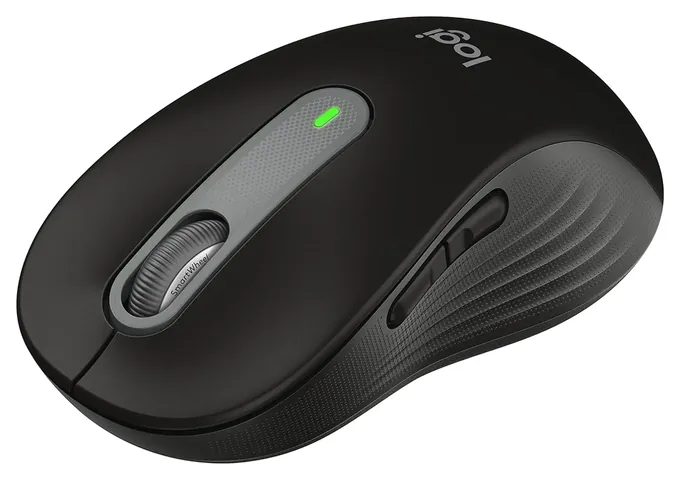
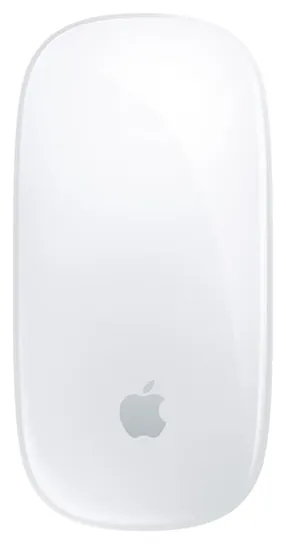
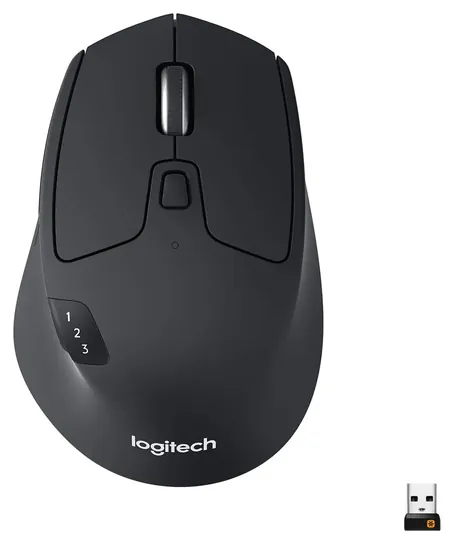
Editor's Notes
November 1, 2026, by Ezvid Wiki Editors:
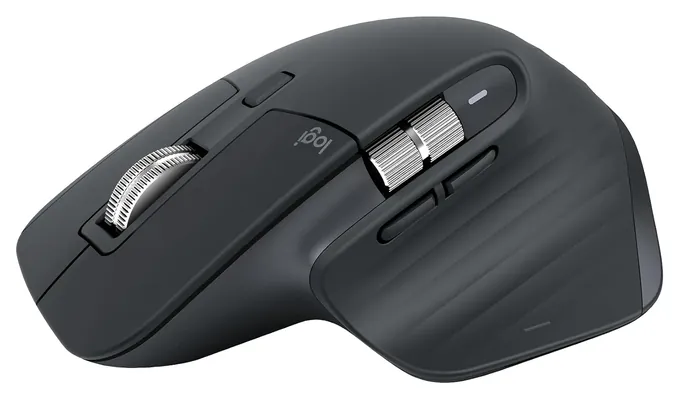
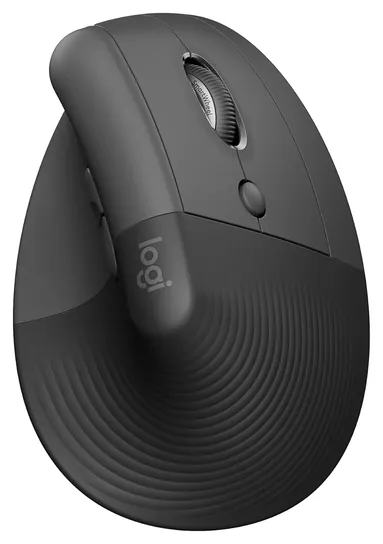
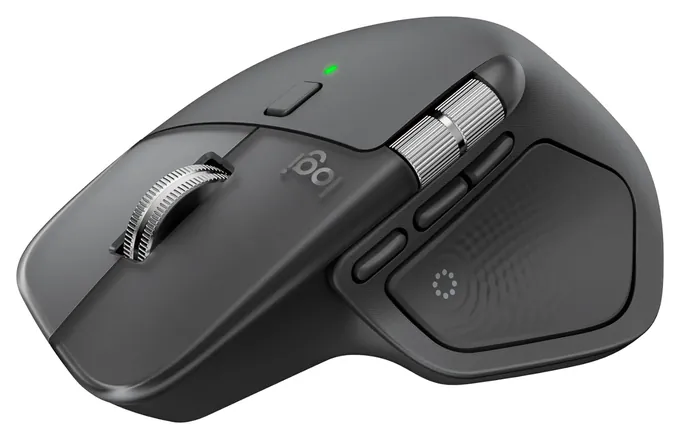
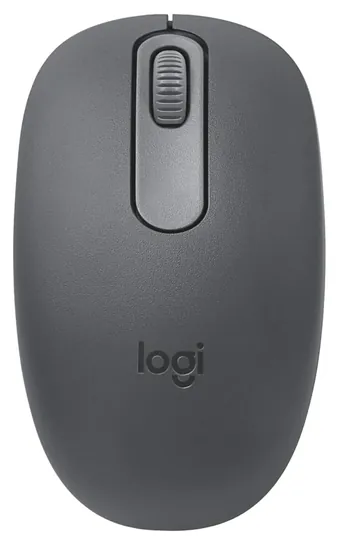
The Logitech MX Master 3S Bluetooth Edition leads this list because it ships with no receiver at all, which is what Mac and iPad owners want, and it is still the comfort pick for long workdays. The Logitech Pebble Mouse 2 M350s covers travel, the Apple Magic Mouse covers Mac owners who like gestures, and the Logitech Lift covers sore wrists.
This page is back after a break, rebuilt from scratch. We read Logitech's and Apple's spec sheets, independent reviews of the MX Master 3S, MX Master 4 and Lift, and owner complaints about lag after sleep and worn scroll wheels, then checked CPSC records, which show no mouse recalls from these brands.
A few mice didn't make it. A low-cost UGREEN vertical mouse drew too many reports of early failure, the Logitech M240 Silent does less than the Pebble 2 for about the same money, and the MX Anywhere 2S is an old design.
Special Honors
Logi Options+ Logitech's free app for Windows and macOS remaps buttons, sets scrolling speed and adds per-app shortcuts on most Logitech mice, including several picks here. On supported models it also lets one mouse move the cursor and files between two or three computers. logitech.com
Bluetooth Or A USB Receiver
A USB receiver is a tiny plug-in radio that comes paired from the factory.
Most cordless mice reach the computer one of two ways. A Bluetooth mouse pairs with the radio that's already in nearly every laptop, Mac, iPad and Chromebook, so nothing sticks out of a port. Modern models use Bluetooth Low Energy, which sips power and is why a single AA can last a year or two. The catch is a one-time pairing step, and some computers take a second to wake the link after sleep.
A USB receiver is a tiny plug-in radio that comes paired from the factory. It tends to give a steadier link on desktop PCs with weak or missing Bluetooth, but it needs a free USB port, and newer MacBooks have only USB-C. Several mice here do both. The Logitech M720 Triathlon ships with a receiver, while the Bluetooth Edition of the MX Master 3S leaves it out on purpose. If the box says only "wireless," check for the word Bluetooth before you buy for a tablet or a Mac.
One Mouse, Several Computers
Multi-device switching is the feature most worth paying for. Mice like the MX Master 3S, Pebble Mouse 2 and M720 store pairings for up to three devices, and a button flips between them, so one mouse can serve a work laptop, a home desktop and a tablet. Cheaper models such as the M196 hold one pairing, and moving them means pairing again.
Logitech's free Options+ software lets you remap buttons and, on supported mice, move the cursor and copied files between computers on the same network. The MX Master 4 adds a buzzing thumb pad that opens a menu of shortcuts; The Gadgeteer called it a small, smart improvement, while Tom's Guide found the haptics of little use. For most people, two or three paired devices and a comfortable shape matter more than extra buttons.
Shape, Batteries And Mac Quirks
Hand size decides comfort more than any spec. Pocket mice are flat and short, which is fine for an hour on a train and tiring over a full day. Full-size mice support the palm, and some come in sizes: the Signature M650 is sold in a standard and a large fit plus a left-handed version. A vertical mouse such as the Logitech Lift turns the hand to a handshake angle; RTINGS notes it's sized for small and medium hands.
Power is a choice between AA or AAA cells that last one to two years and built-in batteries that need a charge every month or two. The Apple Magic Mouse charges through a port on its underside, so it can't be used while plugged in, and its full set of gestures needs a recent version of macOS. Lithium batteries in rechargeable mice shouldn't be left in a hot car, and a swollen battery means it's time to stop using the mouse. Keep spare coin and AA cells away from small children.
How we researched this
We compared 16 Bluetooth mice, read the maker spec sheets for the 10 finalists, read independent reviews of the MX Master 3S, MX Master 4 and Lift, analyzed owner feedback patterns for every pick, and checked each brand against CPSC recall records.
Sources (11)
- Logitech: MX Master 3S
- Logitech: MX Master 4
- Logitech: Lift Vertical Ergonomic Mouse
- Logitech: M720 Triathlon
- Logitech: Logi Options+
- The Gadgeteer: Logitech MX Master 4 review
- Tom's Guide: Logitech MX Master 4 review
- RTINGS: Logitech Lift review
- Wikipedia: Magic Mouse
- Wikipedia: Bluetooth Low Energy
- CPSC: Recalls
Frequently asked questions
What's the difference between a wireless mouse and a Bluetooth mouse?
Every Bluetooth mouse is wireless, but not every wireless mouse uses Bluetooth. Many cordless mice need a small USB receiver instead. A Bluetooth mouse pairs with the computer's built-in radio, so it works with Macs, iPads and laptops that have no spare USB-A port.
Does a Bluetooth mouse work with an iPad?
Yes. iPadOS supports Bluetooth mice, and the pointer appears as a small circle. Pair the mouse in Settings under Bluetooth. Extra buttons may do nothing on an iPad, and touch gestures on the Apple Magic Mouse are limited outside a Mac.
Why does my Bluetooth mouse lag or disconnect?
Common causes are a low battery, the computer's power saving after sleep, and interference from crowded 2.4 GHz Wi-Fi or USB 3 hubs. Moving the computer closer, replacing the battery or turning off Bluetooth power saving often helps. A mouse that also has a USB receiver can switch to it on a desktop.
Can one mouse control two computers?
Yes, if it supports multi-device pairing. Logitech's Easy-Switch models store up to three pairings and swap with a button, and some can move the cursor between screens with Logitech's free software. Single-device mice must be paired again each time.
Are there left-handed Bluetooth mice?
Yes. The Logitech Signature M650 and the Logitech Lift each come in a left-handed version, and symmetrical mice such as the Logitech M196 and Pebble Mouse 2 work in either hand.