The 10 Best Mac Keyboards
Updated by · How we research

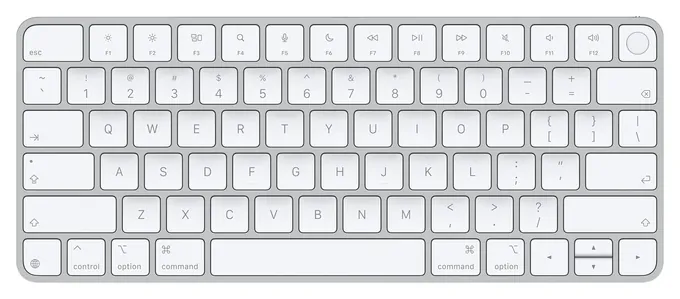
Touch ID, backlit keys or mechanical switches? We compared 10 keyboards for Mac and picked the Apple Magic Keyboard with Touch ID for Apple silicon Macs. When users buy our independently chosen editorial choices, we may earn commissions to help fund the Wiki.
Any USB or Bluetooth keyboard will type on a Mac, but a Windows board puts the wrong key where Command belongs and prints the wrong symbols across the top row. Only Apple's own model reads a fingerprint. This list is for MacBook, iMac and Mac mini owners who want a desk setup that fits the way macOS works.
At a Glance


Editor's Notes
November 1, 2026, by Ezvid Wiki Editors:
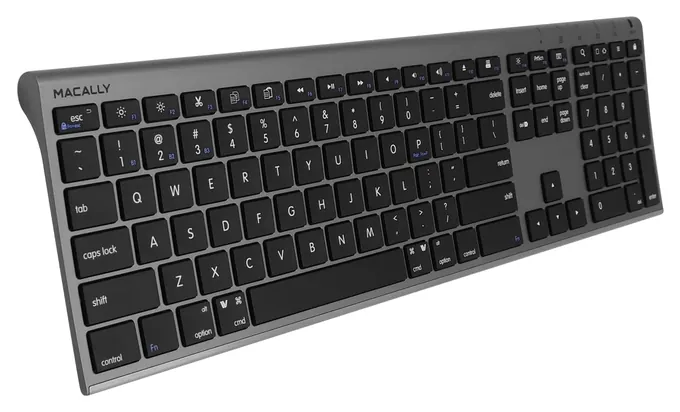
Only one keyboard can unlock an Apple silicon Mac with a fingerprint, so the Apple Magic Keyboard with Touch ID takes the top spot. The old picks are all gone. The Das Keyboard 4 Professional, Velocifire M87, Lofree Four Seasons, Penclic KB3 and both Macally models had left the stores, the Satechi Aluminum is unavailable, the Logitech Craft gave way to the MX Keys line, and the Matias FK418 Wireless is an aging design with thin stock. The original Apple Magic has been replaced by the USB-C models.
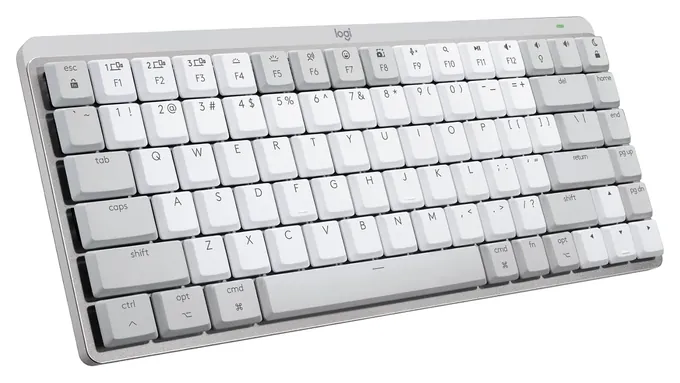
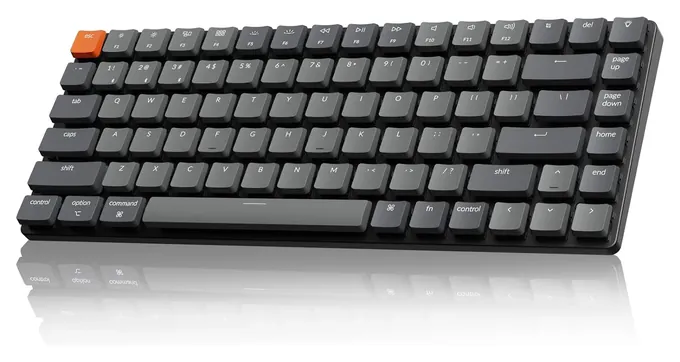
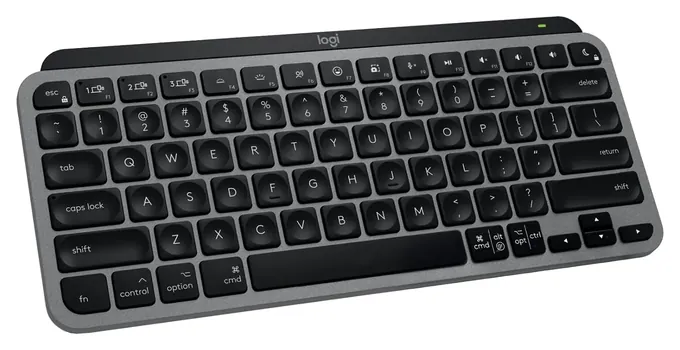
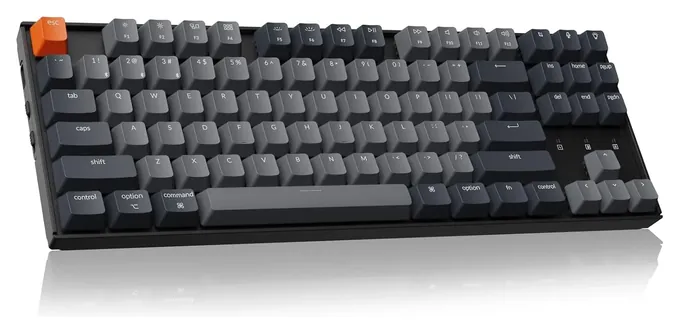
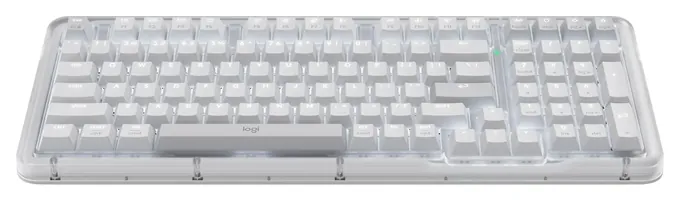
Most people who find this page are looking for a mechanical board, so the list now carries four: the Logitech MX Mechanical Mini for Mac, Keychron K3 Version 2, Keychron K8 and Logitech Alto Keys K98M. We checked Apple's tech specs for Touch ID limits, Logitech's battery ratings with the light on and off, and Keychron's keycap and firmware notes, then read Mac-focused reviews and owner reports on pairing, battery life and startup logins.
We passed on the white Magic Keyboard with Numeric Keypad that's still widely sold, because that stock is the older version with a Lightning port.
Earlier notes
December 24, 2020, by Luke Mitchell:
While Apple's integral Macbook keyboards have been dogged by issues in the past, their external keyboards have had no such troubles, and have generally garnered positive reviews. With that said, there are a number of compatible keyboards that meet or exceed the quality of their OEM gear, of which the best are ranked here, alongside their native Apple Magic keyboard, which also resides on our list.
The recent additions to our list include the Penclic KB3, which is a compact, wireless model that is intended to be ergonomic to the degree it relieves physical stress over long-term use. Next up is the specialist Logitech Craft, notable for its rotary knob that is designed to manipulate a number of context-specific functions, whether it's scrolling through data on a spreadsheet or selecting tools in Photoshop. And lastly, we added the Matias FK418 Wireless, which expands upon Apple's existing hardware by adding some extra features and is now available in colors that mimic their line of mobile devices, as well as their usual silver and space gray.
January 5, 2019, by Jeff Newburgh:
Included the Das Keyboard 4 Professional, thanks to its sturdy mechanical switches, easy-access volume control knob, and UV-reinforced keycaps, which makes it a great option for completing demanding typing work. The Matias Wireless was a worthy addition due to its separate backlight battery, slim profile, and capacity for connecting up to 4 Bluetooth devices at the same time. The ergonomically-curved keys on the Velocifire M87 are ideal for heavy-duty use for long-form writing and data entry tasks. Added the Macally Bluetooth due to its innovative solar-powered operation and 30-foot signal range. Also included the Lofree Four Seasons for its superior connectivity and compatibility with a variety of operating systems. Despite the fact that it's a little dated, I still decided to keep the Apple Magic, as I like to think of it as a go-to traditional solution for word processing needs.
Special Honors
Keychron Q Max Series Keychron's Q Max boards are the heavier, all-aluminum step up from its K line, with hot-swappable switches, Mac and Windows keycaps and a choice of sizes from compact to full. They cost about twice as much as most picks here, and reviewers at Mac sites often name a Q model as their favorite mechanical board for a Mac. keychron.com
Mac Keys, Touch ID And What A Mac Needs
A tenkeyless or 75 percent board drops it so the mouse sits closer to your shoulder, which many people find easier on the arm.
Macs aren't picky. Any USB or Bluetooth keyboard will type, but a Windows board puts the Windows key where Command should be and its top row doesn't match the Mac's brightness, Mission Control and dictation keys. You can swap the modifier keys in System Settings, yet the printed legends stay wrong. Boards sold "for Mac" fix that, and Keychron ships both keycap sets with a side switch between the two systems.
Touch ID is the one feature only Apple offers. Apple's tech specs say the Magic Keyboard with Touch ID needs a Mac with Apple silicon for the fingerprint reader; on an Intel Mac, an iPad or another computer, it works as a plain Bluetooth keyboard. No other maker sells a keyboard with a Mac fingerprint reader, which is why Macworld and RTINGS both start with Apple's own models.
Size is a layout choice, not a quality one. A full board has a number pad for spreadsheets. A tenkeyless or 75 percent board drops it so the mouse sits closer to your shoulder, which many people find easier on the arm. If wrist or shoulder pain is the real problem, see our ergonomic keyboards.
Scissor Keys Or Mechanical Switches
Apple's keyboards and Logitech's MX Keys use scissor switches: short, quiet travel much like a MacBook. Mechanical boards put a separate switch under each key, with more travel and a choice of feel. Tactile switches give a small bump, linear ones press smoothly, and clicky ones add a sharp sound that coworkers will hear.
Height matters on a Mac desk. Low-profile mechanicals such as the Logitech MX Mechanical Mini for Mac and the Keychron K3 Version 2 sit close to a laptop's height, so you may not need a wrist rest. Full-height boards like the Keychron K8 feel deeper but stand much taller. The K3's low keycaps are a special size, according to iFixit, so ordinary keycap sets won't fit it.
Hot-swappable sockets let you pull switches out and try others without soldering. The Logitech Alto Keys K98M has them; the MX Mechanical Mini does not, as reviews such as Forbes point out.
Batteries, Backlights And Startup Passwords
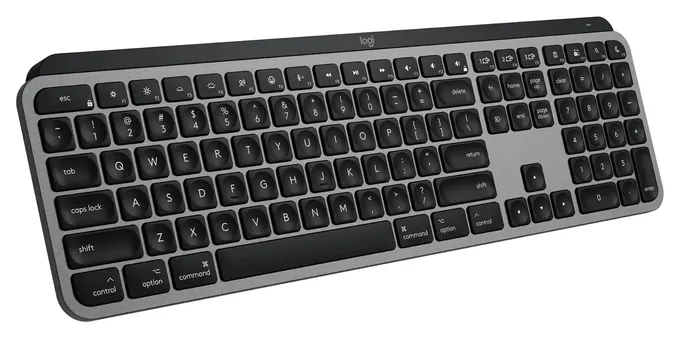
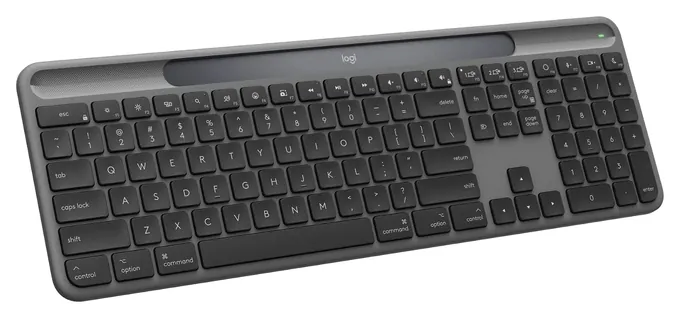
The backlight decides how often you charge. Logitech rates the MX Keys S at up to 10 days with the light on and up to 5 months with it off, a gap PCWorld also points out. Apple skips the backlight entirely and quotes about a month per charge. If you never want to plug in, the Logitech Slim Solar+ K980 charges from room light. For more lit options, see our backlit keyboards.
One trap catches Mac owners who use FileVault disk encryption. The password prompt at startup appears before macOS is fully running, and some third-party Bluetooth keyboards can't type there. The Mac versions of Logitech's MX Keys come without a USB receiver, as RTINGS notes. Keep a USB cable handy, or pick a board with a wired mode or a receiver, such as the Keychron models or the Logitech Alto Keys K98M.
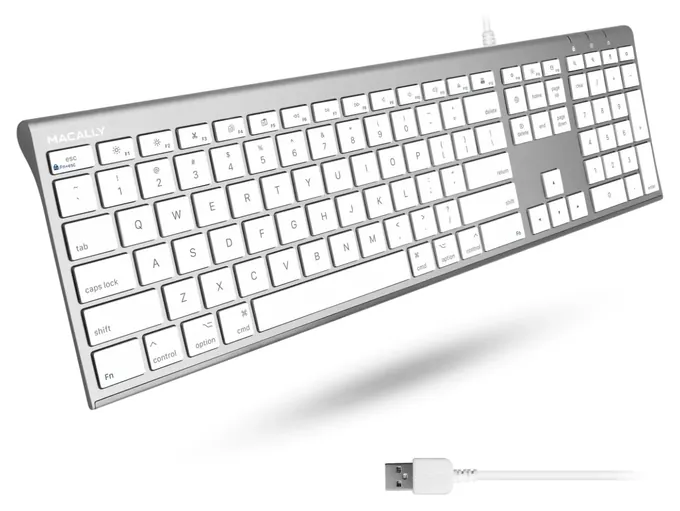
Newer Macs have only USB-C ports. Wired boards with an older USB-A plug, like the Macally Ultra Slim Wired, need a small adapter or a hub.
How we researched this
We compared 16 current keyboards that work with macOS, from Apple, Logitech, Keychron, Macally, Matias, Satechi and others, plus the 10 picks on the old version of this page. We read Apple's tech specs and the makers' pages for the finalists, weighed reviews from Mac and tech outlets, looked for patterns in owner feedback on pairing, battery life and key feel, and checked every brand against U.S. Consumer Product Safety Commission recalls, which found none.
Sources (12)
- Apple Support: Magic Keyboard with Touch ID tech specs
- Macworld: The best keyboards for Mac
- RTINGS: The best keyboards for Mac
- RTINGS: Logitech MX Keys S review
- PCWorld: Logitech MX Keys S review
- Macworld: Logitech MX Keys Mini for Mac review
- iMore: Logitech MX Keys Mini for Mac review
- Forbes: Logitech MX Mechanical Mini for Mac review
- iFixit: Keychron K3 V2
- The Niche Office: Logitech Alto Keys K98M review
- AppleInsider: Macally Bluetooth keyboard review
- U.S. Consumer Product Safety Commission: recalls
Frequently asked questions
Do I need a keyboard made for Mac?
No. Any USB or Bluetooth keyboard works, and macOS lets you swap the Command and Option keys in System Settings. A Mac version just puts the right symbols on the keys and makes the top row control brightness, volume and dictation.
Does any keyboard besides Apple's have Touch ID?
No. Touch ID is only on Apple's Magic Keyboard with Touch ID, and the fingerprint reader works only with Macs that use Apple silicon.
What is the best mechanical keyboard for a Mac?
For most people, the Logitech MX Mechanical Mini for Mac, because it has Mac keys and sits low like a laptop. The Keychron K3 Version 2 is a slimmer, cheaper option, and the Logitech Alto Keys K98M adds a number pad.
Which Mac keyboard shows when Caps Lock is on?
Apple's Magic Keyboards have a small green light on the Caps Lock key. macOS also shows a caps lock symbol in password fields, whatever keyboard you use.
Can I use these keyboards with an iPad or iPhone?
Yes. The Bluetooth models pair with iPads and iPhones, and the Logitech and Macally boards can switch between a Mac and two other devices.