The 10 Best Cutting Machines
Updated by · How we research

Cricut, Silhouette and Brother electronic cutters and hand-crank die presses, compared on materials, width and software. The Cricut Maker 5 cuts the most. When users buy our independently chosen editorial selections, we may earn commissions to help fund the Wiki.
Most home cutting machines need an app to run, and that software, more than the blade, decides what you can make and how quickly you learn. Electronic cutters follow any shape you design, while hand-crank die presses cut only the shapes you own dies for. This list covers both, for card makers, sticker sellers, shirt decorators and quilters.


Editor's Notes
November 1, 2026, by Ezvid Wiki Editors:
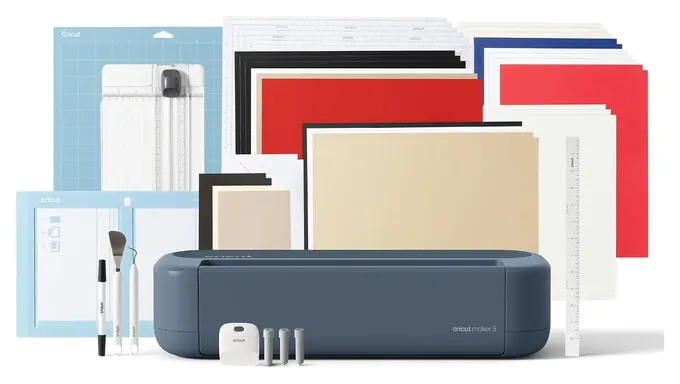
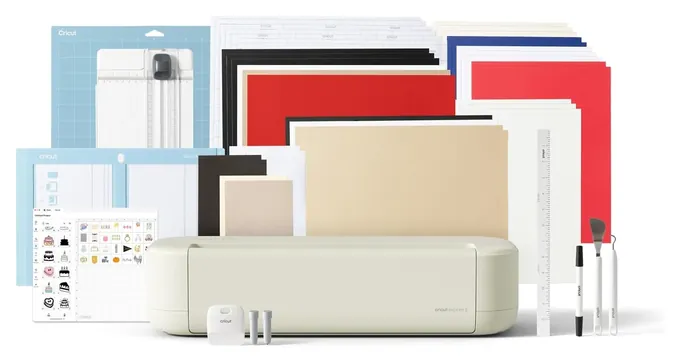
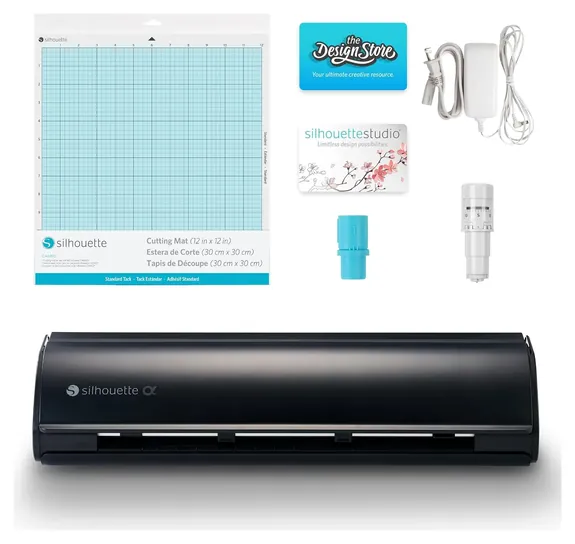
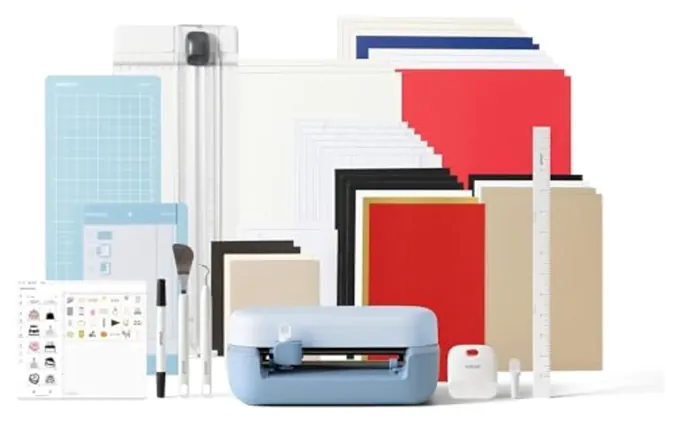
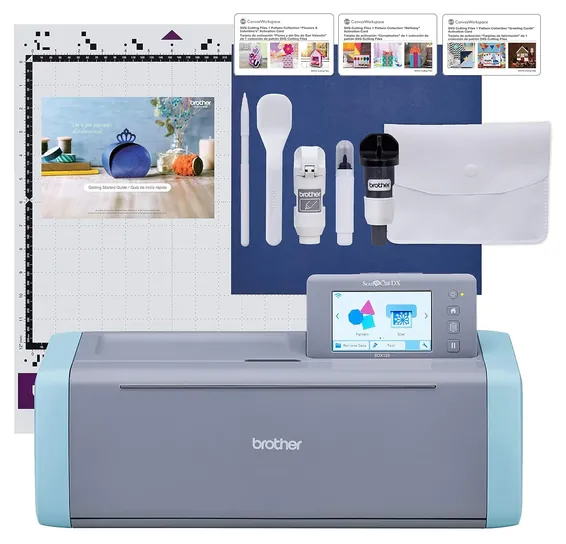
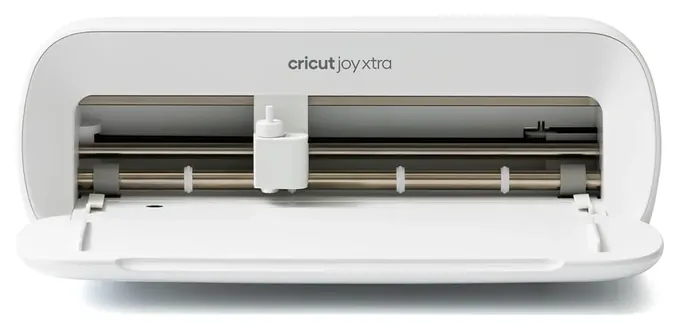
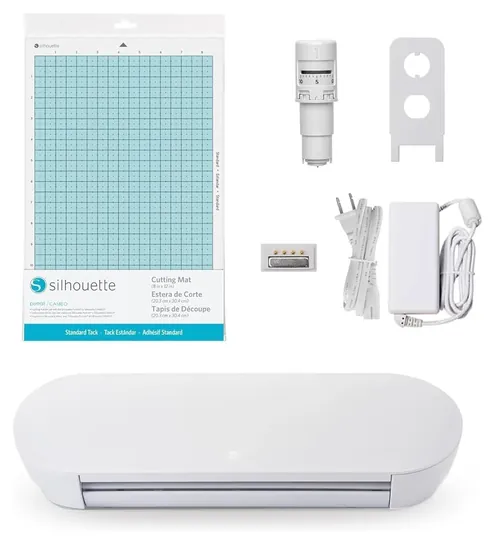
The Cricut Maker 5 takes over the top spot. It cuts thicker material than the Maker it replaces, launched at a lower price, and still handles bare fabric, leather and felt. Nearly every electronic cutter on the old list had been replaced, so the Cricut Explore 5, Silhouette Cameo 5 Alpha and Brother ScanNCut SDX125E step in for their older versions, joined by the Cricut Joy 2, Cricut Joy Xtra and Silhouette Portrait 4.
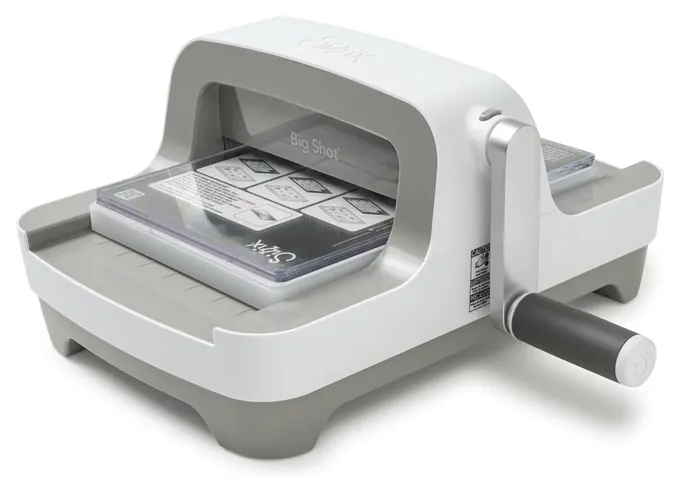
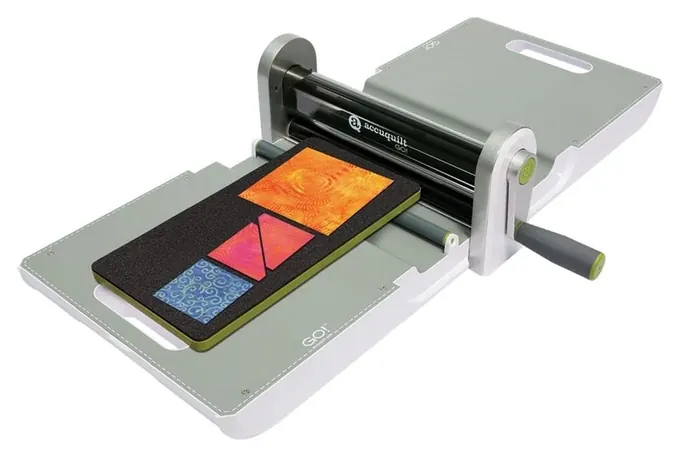
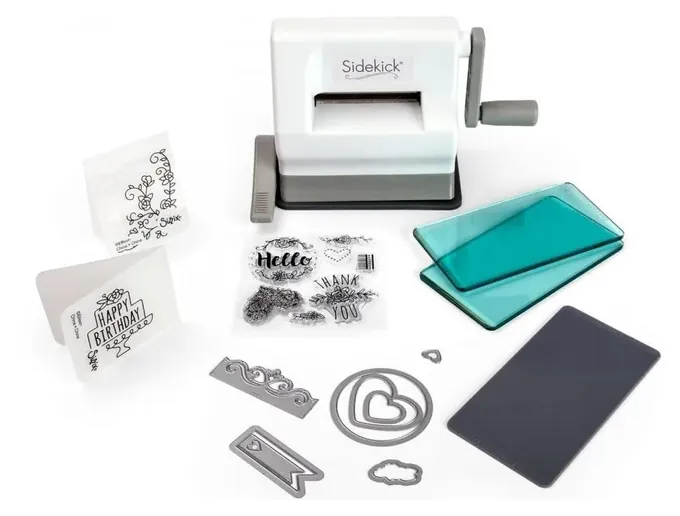
The Cricut Cuttlebug, Sizzix Big Shot Pro, Spellbinders Platinum 6 and Cheery Lynn Big Sister have dropped off, since none of them can be bought new. The Sizzix Big Shot and AccuQuilt GO! Fabric Cutter stay, and the Sizzix Sidekick joins them as a small, cheap press for people who'd rather crank than click.
Craft cutters don't get lab-tested by any outlet we found, so we weighed Cricut's and Brother's spec pages, a longtime Cricut teacher's side-by-side Maker trials, and years of owner reports on mats, blades and Bluetooth. The Maker 5 has only been on sale since September 2026, so we'll watch how it holds up.
Earlier notes
July 25, 2020, by Melissa Harr:
We've updated our choices to include new models of a few favorites, including the Silhouette Cameo 4, which replaces the Cameo 3, and the latest version of the Brother ScanNCut 2. As with most other high-tech choices, including the Cricut Explore Air 2 and the Cricut Maker, these models work best when the user has some familiarity with design software and connectivity options. But if you are willing to follow set-up directions and learn how to operate the machine efficiently, you'll be able to create all kinds of projects, from invitations to scrapbooks.
For those who prefer a simple, hand-crank choice, both the Sizzix Big Shot and the Sizzix Big Shot Pro are still ones to consider. The latter is larger, heavier, and more robust, and as you might expect, more expensive, as well. Or, for light duty, there's the Cricut Cuttlebug and the Cheery Lynn Big Sister. They don't give you all the custom design options of electronic choices, but they are uncomplicated and get the job done.
Finally, for quilters, we selected the AccuQuilt Go. It can replace your rotary cutter and cutting mat, taking the tedium out of cutting and leaving more time for sewing. Not only that, but it may even be safer than other cutting methods, and is portable, to boot.
April 30, 2019, by Tina Morna Freitas:
When evaluating the best cutting machines we found the latest and greatest featured the advanced technology and an ever-increasing array of bells and whistles to delight the most dedicated crafters.
But we were sure to include the best simple machines for Luddites who don't want to deal with software, like the Sizzix Big Shot and the Cricut Cuttlebug. These popular options are built to last and are portable enough to take to a crafting party. They do most of the basic cutting and embossing that beginning crafters do, and will remain in your crafting studio even after you have expanded your horizons to more complicated models.
To the top spot we added the Cricut Maker which differentiates itself from all the other models with advanced software and Bluetooth connectivity because of its dedicated rotary blade that lets you cut with fabric without backing material, and a special extra-deep adaptable knife blade that allows you to die-cut everything from crepe paper to leather.
Special Honors
Cricut Venture Cricut's wide-format machine is built for extra-large pieces and batch runs, such as signs, banners and stacks of shirt transfers for a small shop. It costs far more than a home cutter and needs a dedicated table, so it's for people who sell what they make. cricut.com
Electronic Cutter Or Die-Cut Press
Cuts come out crisp and identical every time, and most presses also emboss with textured folders.
An electronic cutter moves a tiny blade along a path drawn in an app, so it can cut any shape you design or download: names in vinyl, layered paper flowers, shirt lettering. Cricut, Silhouette and Brother make the home machines, and most cost a few hundred dollars once you add a mat, blades and materials.
A die-cut press has no motor and no software. You sandwich paper or fabric against a steel-rule die between two plates and crank it through rollers, the way the Sizzix Big Shot has worked since 2001. Cuts come out crisp and identical every time, and most presses also emboss with textured folders. The trade-off is that you can only cut shapes you own dies for, and a die collection grows expensive. Check the opening width first: the Big Shot takes dies up to six inches wide, while the Sidekick is limited to dies about two and a half inches wide.
Quilters have a third choice. Fabric die cutters from AccuQuilt roll layers of cotton over foam-backed dies, which cuts many identical squares and triangles at once with far less wrist strain than a rotary cutter.
Software, Subscriptions And Working Offline
Every Cricut runs on Design Space, a free app for phones and computers. Setup needs an internet connection, and after that you can design and cut offline. Cricut Access, a monthly subscription, unlocks a much larger image and font library, but it's optional; you can upload your own designs for free (Jennifer Maker).
Silhouette machines use Silhouette Studio, a free download with paid upgrades for extra file types and features. Studio gives you more control over cut settings and layouts, and new owners often find it slower to learn than Design Space.
Brother's ScanNCut works differently. It has a touchscreen, hundreds of built-in designs and a scanner, so it never needs a computer, and wireless transfer is optional (Brother). That makes it a good fit for people who don't want another app. Die presses need no software at all.
Width, Thickness And Safety
Cut width sets which projects fit. The Cricut Joy 2 cuts strips about 4.5 inches wide, which suits labels and card fronts. The Joy Xtra reaches 8.5 inches, the width of a letter-size sheet, and the Portrait 4 reaches nine. Full-size machines like the Explore 5, Maker 5 and Cameo 5 take a 12-inch mat, and longer mats or rolls for banners (Cricut).
Thickness decides whether leather, chipboard or foam board are possible. The Maker 5 has more clearance under its carriage and cuts approved materials up to 3 millimeters thick, up from 2 millimeters on the Maker 4 (Jennifer Maker). The Cameo 5 Alpha and ScanNCut SDX125E also list 3 millimeters. Machines that print then cut need a home inkjet printer, and the cutter reads marks around the printed image to line up the blade.
Blades are sharp and mats wear out, so change the blade with the machine off and replace a mat once it stops holding material flat. Cricut says its machines are made for adults, and it tests its own materials for use in projects others will handle (Cricut). On a crank press, keep fingers off the platform while it moves through the rollers.
How we researched this
We compared 19 craft cutting machines and die presses, read the makers' spec pages and comparison charts for the 10 finalists, drew on a longtime Cricut teacher's published machine comparisons, analyzed owner feedback on reliability, mats and connectivity, and checked Cricut, Silhouette, Brother, Sizzix and AccuQuilt against U.S. Consumer Product Safety Commission recall records. No lab tests of craft cutters exist. Updated November 1, 2026 by Ezvid Wiki Editors.
Frequently asked questions
Do I need a subscription to use a Cricut?
No. Design Space is free, and you can cut your own designs without paying. Cricut Access is an optional monthly plan for a larger library of images, fonts and projects.
Is Cricut or Silhouette better?
They're closely matched on paper. Cricut has the larger app library, more beginner projects and machines that cut bare fabric. Silhouette offers wide mats, quiet motors and finer control in its software, which takes longer to learn.
Which cutting machines can cut fabric?
The Cricut Maker 5 cuts bare fabric with its rotary blade. The Brother ScanNCut SDX125E and Silhouette Cameo 5 Alpha cut fabric with the right blade and backing. For quilt pieces in quantity, an AccuQuilt fabric die cutter is faster.
Can I use a cutting machine without the internet or a computer?
A Cricut needs the internet for setup, then can cut offline. The Brother ScanNCut works from its own touchscreen with no computer. Die presses like the Sizzix Big Shot need no power or software at all.
Are cutting machines safe for kids?
Cricut says its machines are made for adult use. The blades are sharp, and crank presses can pinch fingers, so children should only use them with an adult close by.