The 10 Best Desk Fans
Updated by · How we research

Ten desk fans compared, from plug-in circulators and retro metal models to USB and battery fans. The Honeywell HT-900 leads for airflow per dollar. When users buy our independently chosen editorial selections, we may earn commissions to help fund the Wiki.
A desk fan cools you, not the room. It moves air over your skin so sweat evaporates faster, which is why it only helps while you sit in its stream. It's also cheap to run: most plug-in models draw less power than an old 60-watt bulb, so a full workday costs a few cents. These picks suit desks, nightstands, dorms and travel.


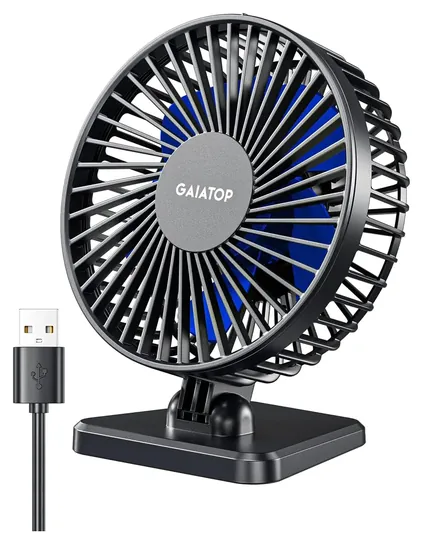
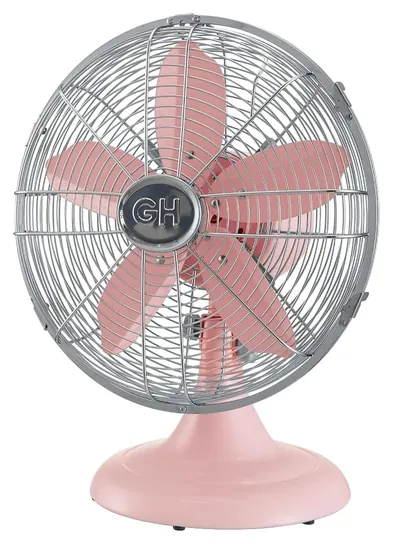
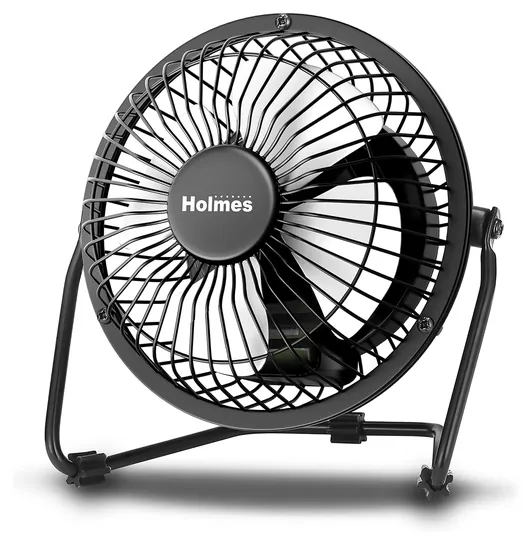
Editor's Notes
November 1, 2026, by Ezvid Wiki Editors:
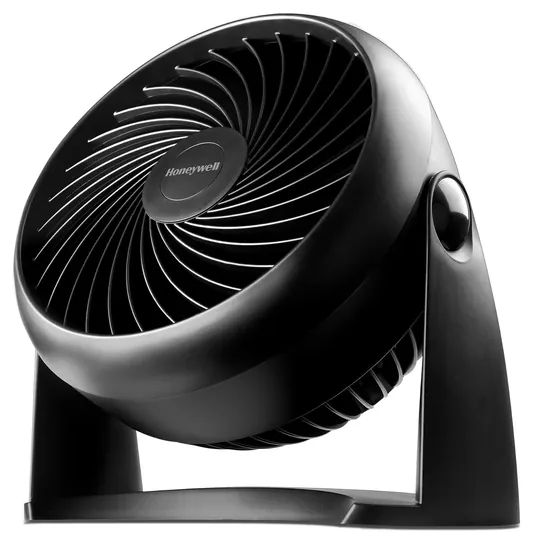
Our pick for most desks is the Honeywell HT-900. It's small and inexpensive, and Bob Vila's reviewers, who measured airflow and noise, found it quiet on every setting and suited to a home office or bedroom. None of the fans ranked here before can still be found new, including the Vornado Zippi, the Ozeri Brezza III and the SkyGenius clip fan, so all ten picks are new.
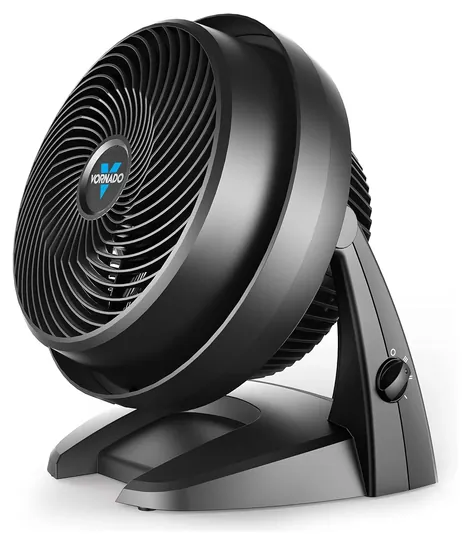
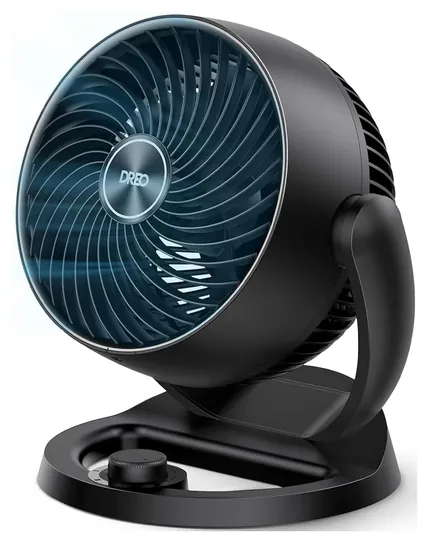
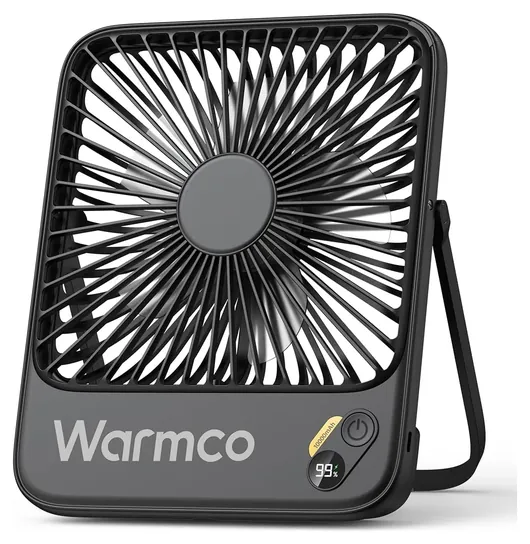
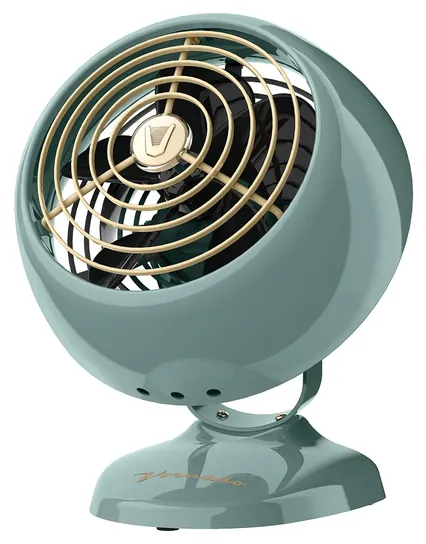
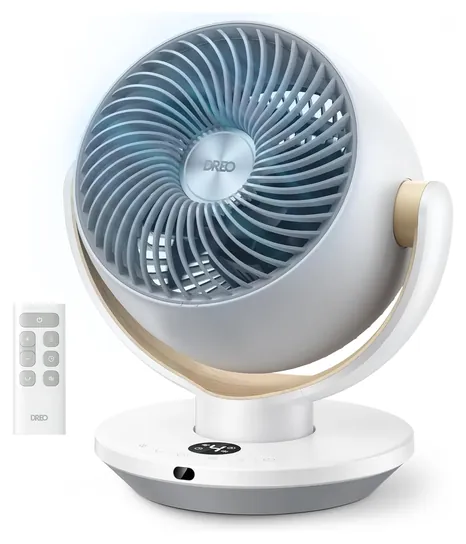
The list now spans four kinds of desk fan: plug-in air circulators such as the Vornado 630 and the Dreo DR-HAF002, retro metal fans like the Vornado VFAN Mini Classic, USB fans, and rechargeable ones like the Warmco D3 for power cuts and travel. We weighed measured airflow and noise where an outside test existed, Vornado's manual and warranty terms, and the pattern of complaints about fans that quit early, which kept several look-alike clones and a slim tower off the list.
Earlier notes
January 22, 2021, by Will Rhoda:
It turned out to be a surprisingly stable category, as we saw no need to add or replace any items during this update, feeling that our existing choices continued to be some of the category's best. As well as offering a host of competitive features and ratings, we thought that the selections curated by this page's last editor covered a healthy assortment of aesthetics, and should provide options of interest to users with various personal styles.
We maintain a myriad of these fan categories. So, depending what you're specifically looking for, you may also want to check out our lists of quiet fans, battery-powered fans or even misting fans.
December 9, 2019, by Sam Kraft:
Three models were unavailable and thus needed to be removed: the Thermaltake Mobile, Honeywell TurboForce and Dizaul Mini. Two additional models (the Ozeri Brezza III and Rowenta Turbo) required updating, as newer versions were available. We made the necessary changes to those options and eliminated one other model due to reports of poor performance.
The Volador Touch — one of the newly introduced items — does not look like your typical desk fan, ditching the circular, grated design for a more tubular style. While it looks stylish and contemporary and seems very easy to operate, it doesn’t appear to be as quiet as some of the other available options.
The SkyGenius Clip is perhaps the most consistent performer of the new additions, and its clip-on design makes it one of the most versatile as well. Since it has a rechargeable battery, it doesn’t need to be plugged in whenever it’s in use, which adds an element of convenience.
Plug-In, USB Or Battery: Choose The Power First
It uses only a few watts and cools one person at arm's length.
How a fan gets its power decides most of what it can do. A plug-in air circulator, the squat round kind with deep, curved blades, is the strongest option. It draws roughly 20 to 40 watts and throws a tight column of air that can circulate a whole room. The Vornado 630 is the long-running example, and Vornado claims its stream carries up to 70 feet.
A USB fan runs from a laptop, a power bank or a phone charger, so it needs no outlet. It uses only a few watts and cools one person at arm's length. Some need a 1-amp source for their top speed and stall on weak laptop ports, so a wall charger is the safer bet.
A rechargeable fan carries a lithium battery and is the one to grab for a power cut, a campsite or a cabin. Makers quote runtime on the lowest speed. On high, expect a fraction of that figure, and expect less air than any corded fan of the same size.
Air, Noise And Where The Fan Sits
A fan doesn't lower the temperature. It cools people by moving air over skin, as the South Carolina Energy Office explains, so turning it off when you leave the room costs you nothing.
For one person at a desk, a small fan aimed at your face is enough. For a bedroom or a shared office, a larger circulator aimed at a wall or the ceiling stirs the whole room more gently than a fan pointed straight at you. Oscillation spreads the breeze between two people, but most circulators don't swing.
Treat quiet claims with care. Makers quote decibels at the lowest speed, and the top speed is always louder. In Bob Vila's fan tests, the Vornado 630 measured about 52 decibels on high, which the reviewers called somewhat loud, while the small Honeywell HT-900 stayed quiet on every setting. Bigger blades turning slowly usually sound softer than small blades spinning fast.
Running Cost, Cleaning And Safety
Desk fans are cheap to run. At the U.S. average home rate of about 18 cents per kilowatt-hour (EIA, August 2026), a 35-watt fan running eight hours a day costs about 5 cents a day. A USB fan costs a fraction of a cent.
Dust on the blades makes a fan louder and weaker. Unplug it before cleaning. The Vornado 630 manual shows how to take the grille off, and it notes the fused, polarized plug, which only fits the outlet one way. Never run a fan with a damaged cord, and keep fingers and long hair away from any grille.
Battery fans need a little care. In 2021 the U.S. Consumer Product Safety Commission announced a recall of rechargeable handheld fans whose batteries could overheat while charging. Charge on a hard surface, not on bedding, and use a reputable charger. We found no recalls for any fan on this list.
How we researched this
We compared 18 desk fans across four types, plug-in circulators, retro metal fans, USB fans and rechargeable fans. We read makers' specs, Vornado's product page, manual and warranty terms, and Bob Vila's measured airflow and noise results for the fans it covered. We looked for patterns in owner feedback, especially fans that stopped working early, and we searched the U.S. Consumer Product Safety Commission's recall records for every brand on the list. Prices were checked on November 1, 2026.
Frequently asked questions
How much electricity does a desk fan use?
A plug-in desk fan or small air circulator usually draws about 20 to 40 watts, and a USB fan about 4 or 5. At the U.S. average rate of about 18 cents per kilowatt-hour, a 35-watt fan running eight hours a day costs about 5 cents a day.
Does a desk fan cool the room?
No. A fan moves air over your skin so sweat evaporates faster, which makes you feel cooler, but the room stays the same temperature. Turn it off when nobody is in front of it.
Why does my USB fan stall on its top speed?
Some USB fans need a full 1-amp, 5-volt supply for their highest setting. Older laptop ports can supply less, so plug the fan into a wall charger or a power bank instead.
Can I leave a desk fan on all night?
Plug-in fans are built for long runs. Keep the cord clear of bedding, keep the grille clean, and set it out of a small child's reach. A battery fan will typically last a night only on its lowest speed.
What's the difference between a desk fan and an air circulator?
A classic desk fan spreads a wide, soft breeze for whoever sits in front of it. An air circulator uses deep, curved blades to send a tight column of air across a room, so it can also move air for everyone in it when aimed at a wall or ceiling.