The 10 Best Biometric Time Clocks
Updated by · How we research

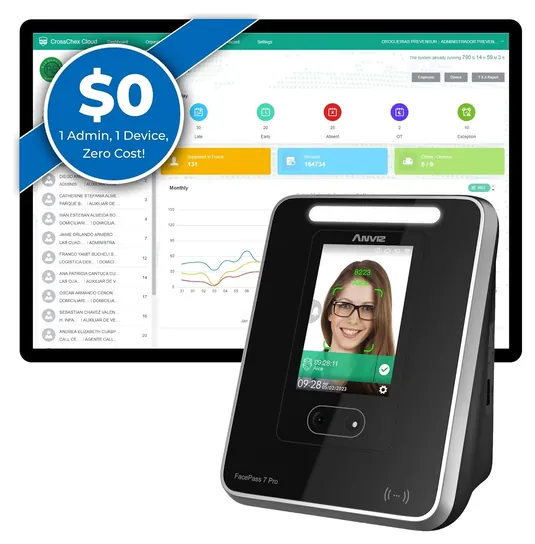
Ten fingerprint, face and palm time clocks compared on monthly fees, USB or cloud reports and warranty. The ANVIZ FacePass 7 Pro leads with a free cloud tier. When users buy our independently chosen editorial selections, we may earn commissions to help fund the Wiki.
No federal rule makes you use a time clock, but a fingerprint or face reader does stop one worker from punching in for another. The real fork is software: some clocks keep hours on the device and hand them over on a USB stick, while cloud models send them to a web dashboard, usually for a monthly fee.


Editor's Notes
October 26, 2026, by Ezvid Wiki Admin:
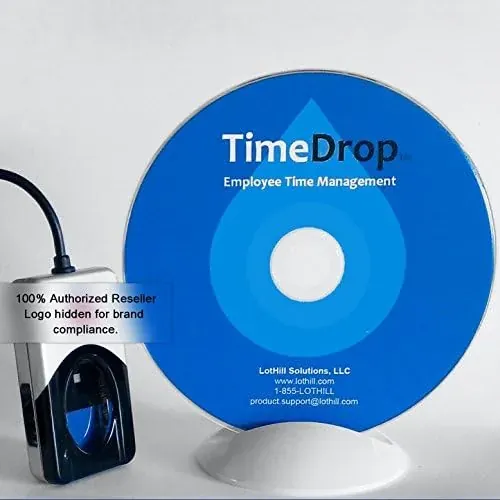
The ANVIZ FacePass 7 Pro now leads: it gives a small shop free web reports for one clock, and a face reader doesn't care whether fingers are wet, dry or dusty. Five old picks are gone. The TotalPass B600, Schlage HandPunch HP2000 and Timedox Tandem Pro have left the market, the Acroprint ATR360 punches paper cards rather than reading fingers, and the uAttend JR2000 replaces the uAttend BN-6500. The Allied Time CB4000 and LotHill TimeDrop 4500 stay.
Readers kept asking for clocks without a subscription, so six of the ten run with no monthly fee at all. No lab has put these clocks through a published test, so we leaned on makers' plan pages and spec sheets, the Labor Department's record rules, state biometric privacy laws, and the patterns in owner complaints, which mostly come down to failed fingerprint reads and units that die early.
January 21, 2021:
These biometric time clocks are the best way to eliminate time theft, since they require a person to be physically present in order to punch in. Though they all have reliable fingerprint scanners, we think both employees and business owners will appreciate models that allow for more than one type of verification method. The TotalPass B600 immediately stands out in this regard, as it accepts fingerprint and facial identification, PIN codes, and RFID proximity badges. It even allows for remote web punch in for employees working from home. When it comes to overall build quality, the Ingersol Rand Schlage HandPunch HP2000 is a top contender and should easily stand up to years of use, though you will pay up handsomely for the machine. If you need something portable that you can take from jobsite to jobsite, consider the Lothill TimeDrop 4500 Series, which is a small device that plugs into a computer.
October 31, 2018:
At this point, it seems the best hardware and software combinations come with devices that require a monthly subscription for their most effective use, but I tried not to let that count as too much of a negative unless the cost was unreasonable. Ease and reliability of networking was weighted more heavily than portability, as well, though some models — like the ZKTeco — jumped up a few spots for being both portable and durable.
Fingerprint, Face Or Palm: Match The Reader To The Hands
They can stumble in direct sun or a dim hallway, so mount them indoors away from windows.
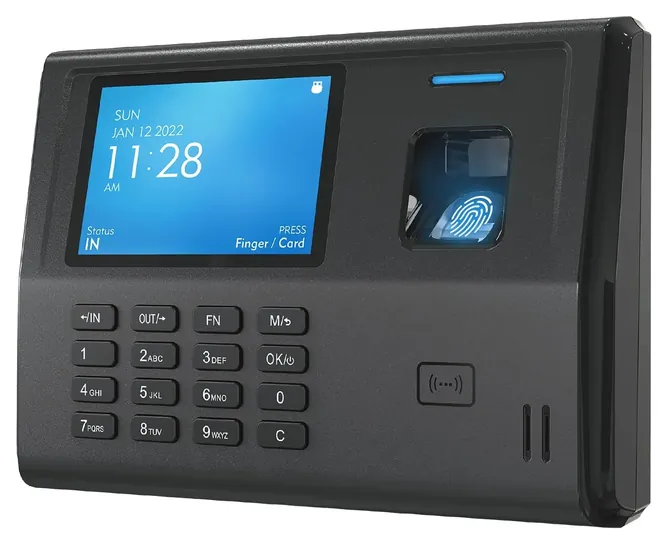
A fingerprint reader is the cheapest and most common choice, and it works well for office and retail staff with clean, dry hands. It struggles with wet, greasy, worn or very dry fingers, which is why makers and installers suggest enrolling two fingers per person (TimeTrak). Pick a clock that also takes a badge or a PIN, so a bad read never leaves someone unable to punch.
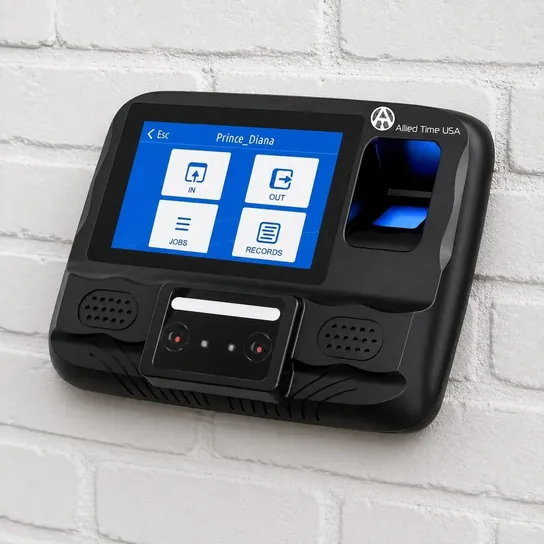
Face readers suit kitchens, warehouses and anyone in gloves, because nothing is touched. They can stumble in direct sun or a dim hallway, so mount them indoors away from windows. Palm vein readers, like the one on the Allied Time CB4000, read the vein pattern under the skin, which surface dirt and calluses affect less.
Crews that move between jobsites are a poor fit for any wall clock. Phone apps that check location at clock-in, such as Workyard, are built for that, though a fixed clock still makes sense at a shop or yard where everyone starts the day.
Subscription Or Not: Where The Hours Go
This is the decision that shapes your costs for years. Standalone clocks store punches on the device and hand them over on a USB stick as a spreadsheet. There's no fee and no internet to fail, but edits and overtime rules are basic, and someone has to pull the data every pay period.
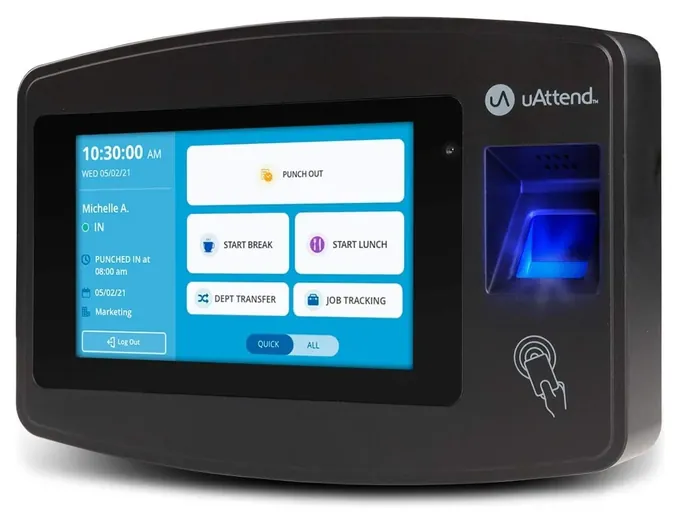
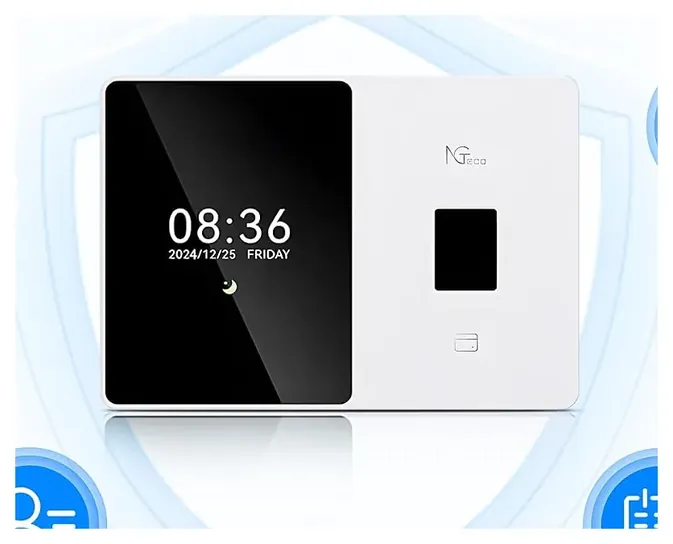
Cloud clocks send punches to a web dashboard, where managers fix missed punches and export to payroll. Plans vary widely. uAttend says all of its clocks require a monthly subscription, and the base plan covers two clocks and one admin. NGTeco offers a free core app with a paid premium unlock, and ANVIZ gives one admin and one clock free. Allied Time starts with a 30-day trial. A vendor comparison from Synerion shows that over three years the plan can cost several times as much as the clock itself, so price the plan before the hardware.
Also check how many employees and punches the clock holds, whether it has a backup battery, and whether its Wi-Fi works with your router, since many clocks only join the 2.4 GHz band.
The Law: Records, Consent And Biometric Privacy
Federal law doesn't require a time clock. The Fair Labor Standards Act only asks for complete, accurate records, and the Labor Department says to keep payroll records for three years and time cards for two. Export and back up your punch data on that schedule, especially from a standalone clock.
Fingerprints and face scans bring extra rules in some states. Illinois's Biometric Information Privacy Act requires a written public policy, written notice and a signed release before you collect a scan; a 2024 amendment limits damages to one recovery per person (Foley & Lardner). Texas has its own biometric law, and Washington requires notice and consent in many cases.
The safe habits are the same everywhere: get written consent, ask the maker whether prints are stored as templates (a math map, not an image) and whether they stay on the device, and delete an employee's data when they leave. This isn't legal advice; check with a lawyer in your state.
How we researched this
We compared 20 biometric time clocks, read the makers' spec sheets and software plan pages for the 10 picks, analyzed owner feedback for patterns such as failed fingerprint reads and early failures, and checked each brand against CPSC recall records. We also read the Labor Department's record-keeping rules and state biometric privacy laws.
Sources (10)
- uAttend: time clocks and plans
- NGTeco: time clocks
- Allied Time: biometric time clocks
- Synerion: biometric time clock comparison
- Workyard: biometric time clock comparison
- TimeTrak: fingerprint time clocks for small business
- U.S. Department of Labor: Fact Sheet 21, FLSA recordkeeping
- Foley & Lardner: Illinois BIPA damages amendment
- Washington RCW 19.375.020
- CPSC recalls
Frequently asked questions
What is a biometric time clock?
It's a time clock that identifies each worker by a fingerprint, face or palm instead of a paper card. Because the scan is tied to one person, a co-worker can't punch in for someone else. Most also accept a badge or PIN as a backup.
Can I get a biometric time clock without a monthly fee?
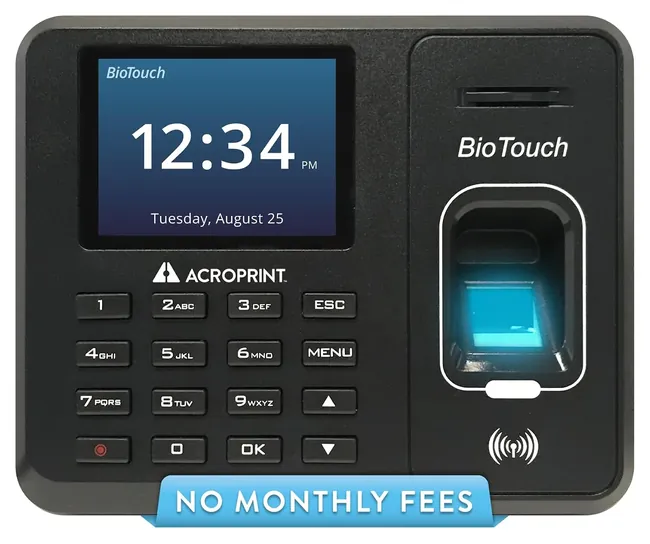
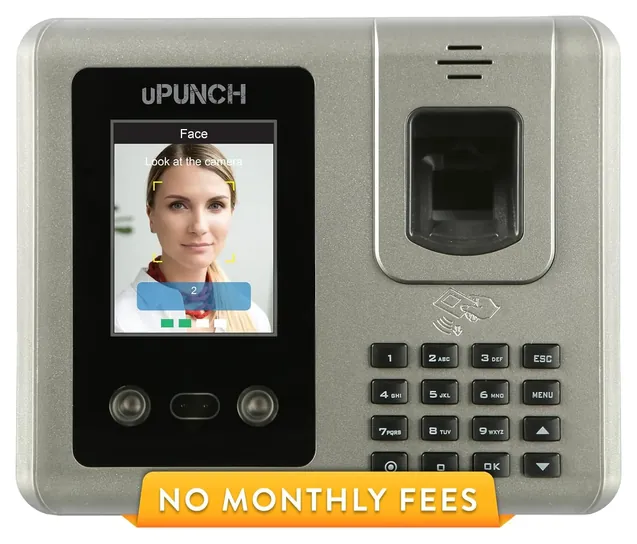
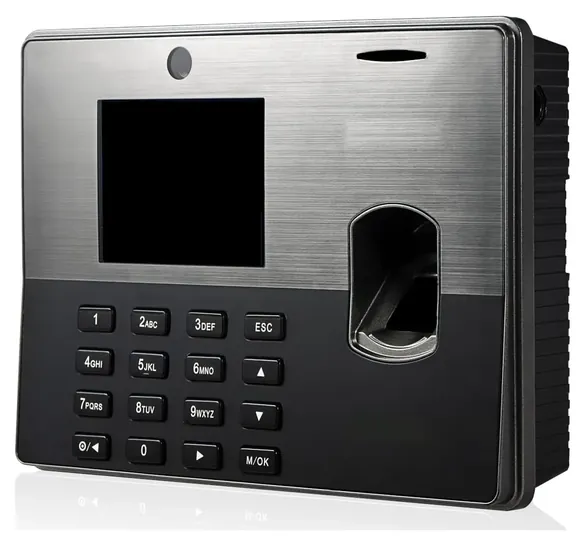
Yes. Standalone clocks such as the ANVIZ CX3, Acroprint BioTouch and uPunch MK3000 keep hours on the device and export them on a USB drive, with no plan to pay. The ANVIZ FacePass 7 Pro offers free cloud reports for one clock and one admin.
Is fingerprint or face recognition better?
Fingerprint readers cost less and work well for clean, dry hands. Face readers suit gloves, food prep and dusty work because nothing is touched, but they need decent lighting and shouldn't face a sunny window.
Is it legal to make employees use a fingerprint clock?
Generally yes, but some states set rules first. Illinois requires a written policy, notice and signed consent, and Texas and Washington also regulate biometric data. Get written consent and a deletion policy wherever you are, and check with a lawyer.
Do I need a biometric clock for a construction crew?
Not usually. A wall clock only works where everyone starts at the same place. Crews that move between sites are better served by a phone app that records location at clock-in, with a fixed clock kept at the shop or yard.
How long do I have to keep time clock records?
The Labor Department says to keep payroll records for three years and the time cards or punch data behind them for two years.